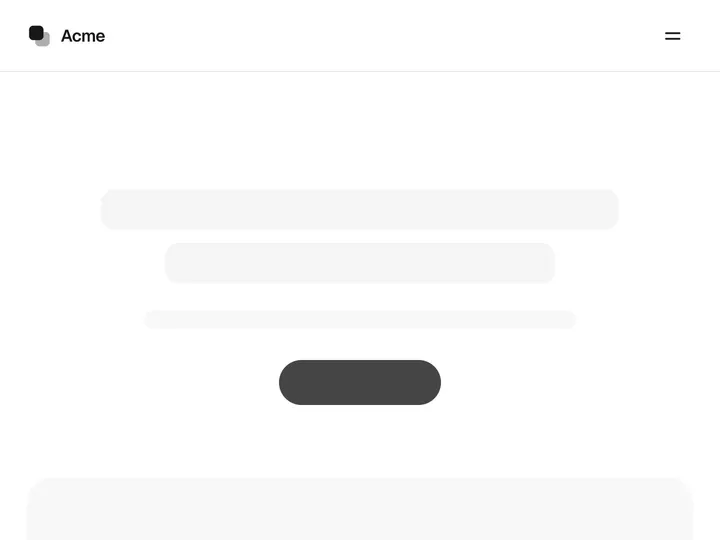
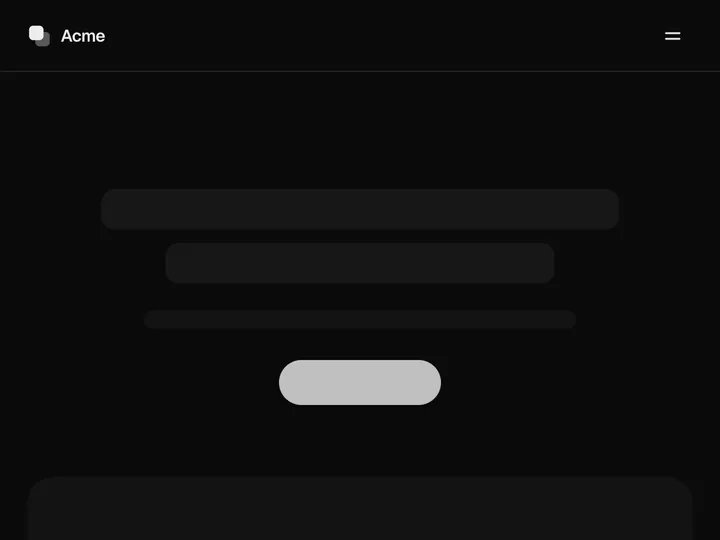
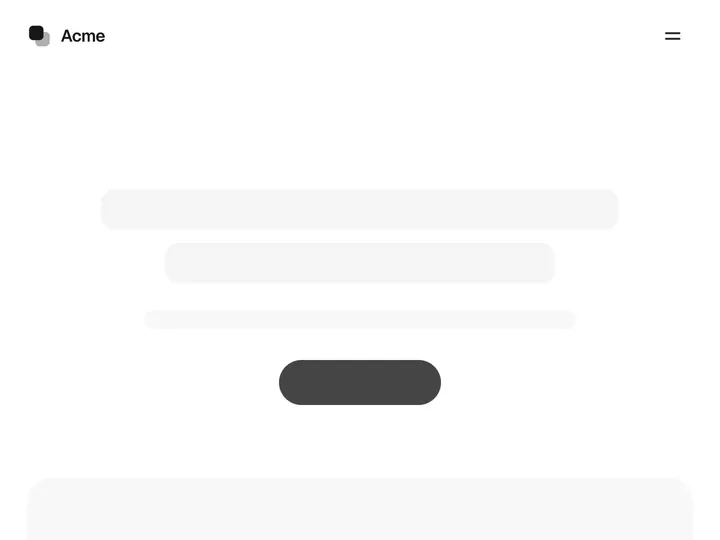
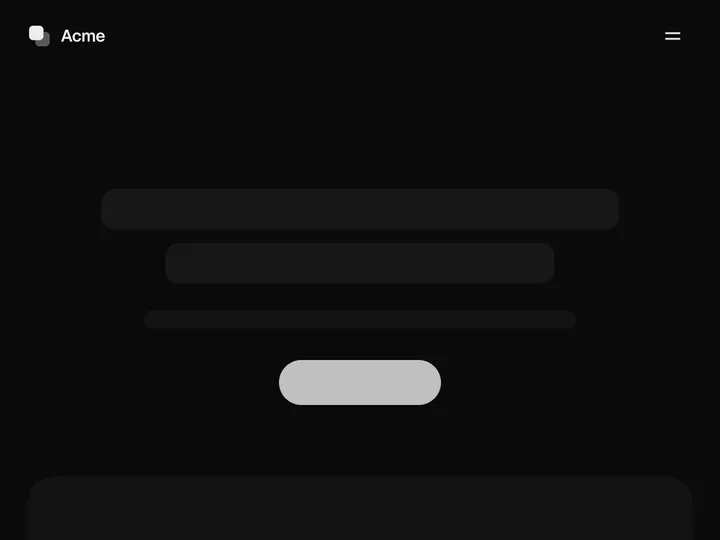
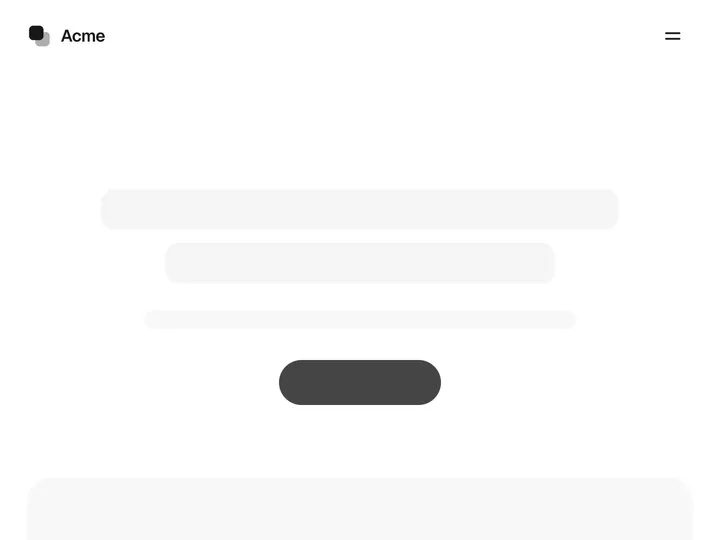
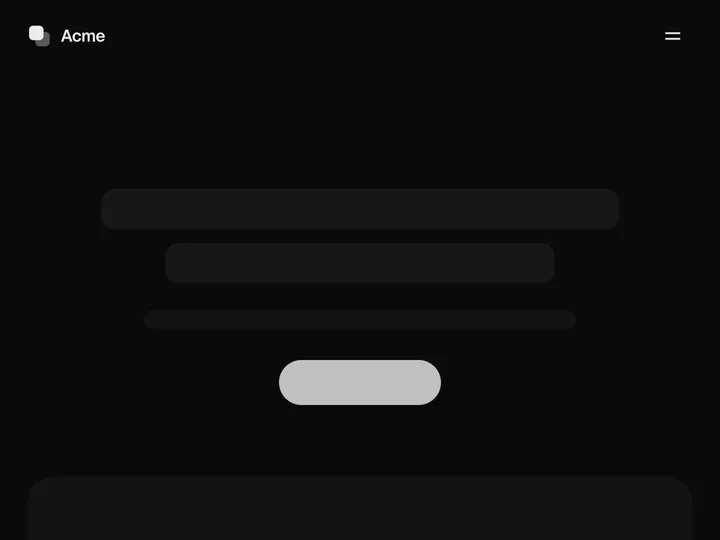
Floating Navbar
ProInstallation
ProFloating Navbar is a Pro component
Sign in to see the source, or install it with a license key. The live preview and props above are free to explore.
Install with a key
- Add the Pro registry to
components.json:components.json { "registries": { "@uibrik-pro": { "url": "https://uibrik.com/r/pro/{name}.json", "headers": { "Authorization": "Bearer ${UIBRIK_LICENSE}" } } } } - Put your key in
.env.localand add that file to.gitignore:.env.local UIBRIK_LICENSE=your-license-key - Install it:
Terminal npx shadcn@latest add @uibrik-pro/floating-navbar
Loading your installation…
Props
FloatingNavbar- align
- Type "left" | "center" | "right"
- "center"
- Where the links sit: beside the logo, centred, or beside the CTAs.
- ctas
- Type "none" | "one" | "two"
- "two"
- How many call-to-action buttons.
- brand
- Type string
- "Acme"
- Text beside the mark.
- links
- Type string[]
- ["Product","Features","Pricing","Customers","Docs"]
- Link labels, in order.
- primaryLabel
- Type string
- "Get started"
- Label of the main button.
- secondaryLabel
- Type string
- "Sign in"
- Label of the quieter button.
- shrinkOnScroll
- Type boolean
- true
- Gather into a pill once the page scrolls. Off keeps it a pill throughout.
- pillWidth
- Type number
- 860
- Width of the pill once scrolled.
- logo
- Type ReactNode
- –
- Your own logo; replaces the default mark.
- current
- Type string
- –
- Label of the current page's link.
- primaryHref / secondaryHref
- Type string
- –
- Where the CTAs go.
- className
- Type string
- –
- Classes for the header.
- maxWidth
- Type number
- 1120
- Widest the bar gets, in px.