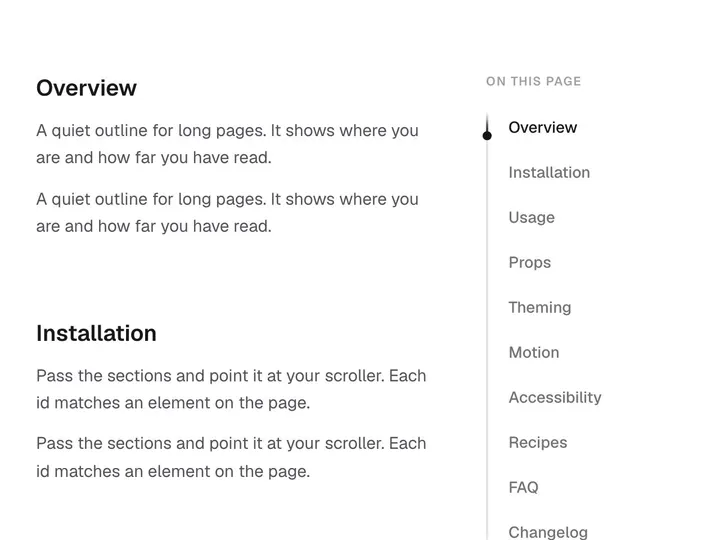
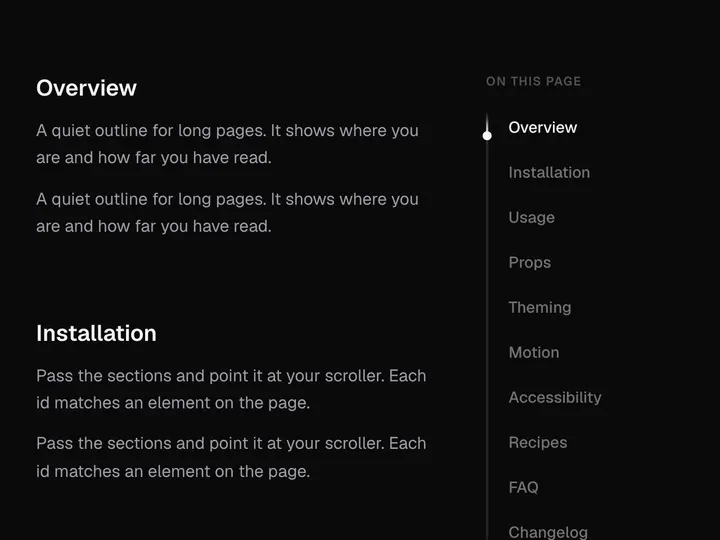
Tick Nav
Installation
npx shadcn@latest add https://uibrik.com/r/tick-nav.jsonInstall the packages
npm install motionAdd the cn helper
Imports
cnfrom@/lib/utils, whichshadcn initcreates. Add it by hand without shadcn.Copy the source into your project
components/uibrik/tick-nav/tick-nav.tsx"use client"; // A section list laid along a ruler. Each item has a tick; finer ticks sit // between them. Under the pointer the ticks lengthen like a dock, easing off // with distance, and each label slides out with its tick. The current item // keeps a longer tick and full contrast. Arrow keys move focus, and focus // swells the ruler the same way the pointer does. import { animate, motion, useMotionValue, useReducedMotion, useSpring, useTransform, type MotionValue, } from "motion/react"; import { useEffect, useRef, useState, type KeyboardEvent, type ReactNode } from "react"; import { cn } from "@/lib/utils"; export type TickNavItem = string | { label: string; href?: string }; export type TickNavProps = { items: readonly TickNavItem[];
Adds the files to
components/uibrik/tick-nav and installs motion. With the @uibrik namespace set up: npx shadcn@latest add @uibrik/tick-nav.Props
TickNav- minorTicks
- Type number
- 4
- Fine ticks between items.
- tickGap
- Type number
- 9
- Space between neighbouring ticks; rows grow to fit.
- magnify
- Type number
- 1
- How far the ticks swell under the pointer. 0 turns it off.
- accent
- Type string
- ""
- Colour for the selected item. Empty uses the text colour.
- itemsrequired
- Type (string | { label; href? })[]
- –
- The sections. Items with href render as links.
- value / onValueChange
- Type number / (index) => void
- –
- Selected index, controlled.
- defaultValue
- Type number
- 0
- Selected index at first, when uncontrolled.
- label
- Type string
- "Sections"
- Accessible name for the list.
- className
- Type string
- –
- Classes for the nav.