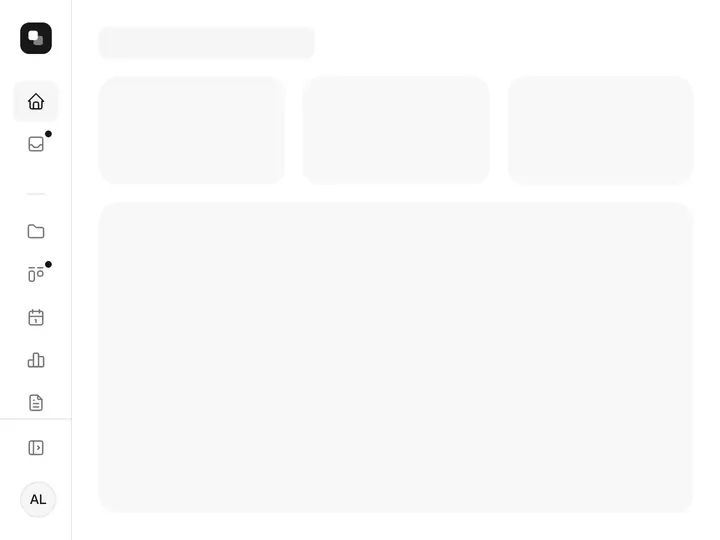
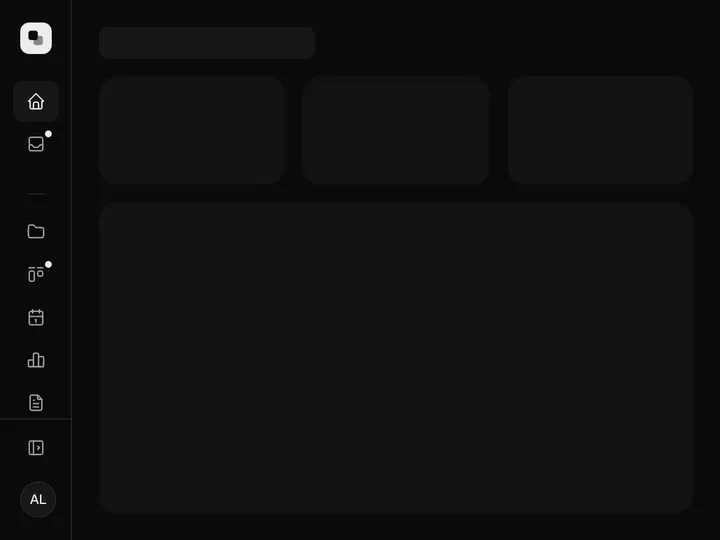
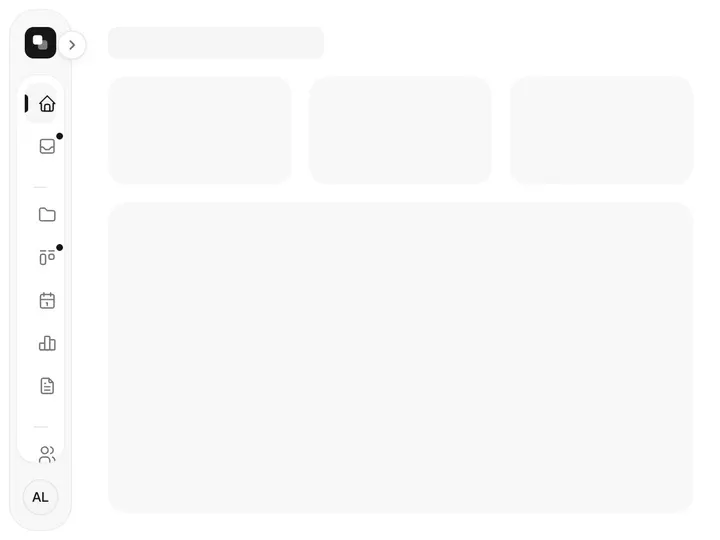
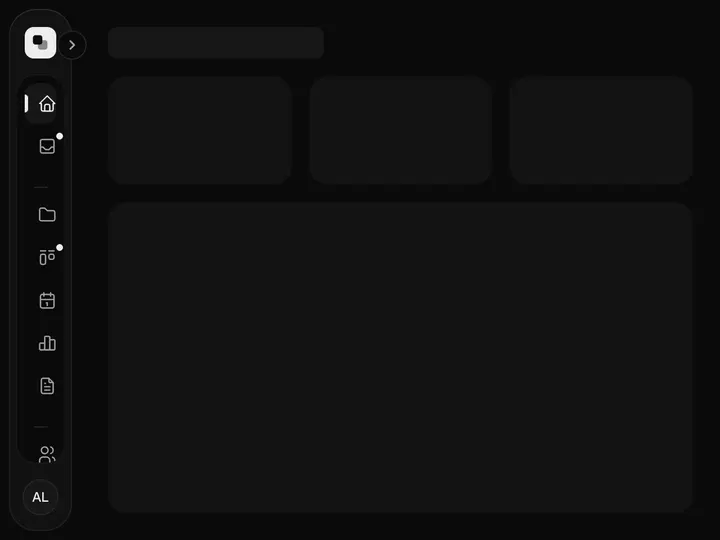
Two-level Sidebar
ProInstallation
ProTwo-level Sidebar is a Pro component
Sign in to see the source, or install it with a license key. The live preview and props above are free to explore.
Install with a key
- Add the Pro registry to
components.json:components.json { "registries": { "@uibrik-pro": { "url": "https://uibrik.com/r/pro/{name}.json", "headers": { "Authorization": "Bearer ${UIBRIK_LICENSE}" } } } } - Put your key in
.env.localand add that file to.gitignore:.env.local UIBRIK_LICENSE=your-license-key - Install it:
Terminal npx shadcn@latest add @uibrik-pro/dual-sidebar
Loading your installation…
Props
DualSidebar- defaultCollapsed
- Type boolean
- false
- Page panel folded away at first, leaving the rail. When unset, it starts folded on phones and open on larger screens.
- shortcut
- Type boolean
- true
- Toggle the page panel with ⌘B / Ctrl+B.
- panelWidth
- Type number
- 232
- Width of the page panel.
- sections
- Type { label; icon; groups }[]
- Home, Projects, Analytics, Settings
- The rail's sections, each with its own page groups.
- user
- Type { name; email? }
- –
- Account shown at the bottom of the rail.
- logo
- Type ReactNode
- –
- Logo at the top of the rail.
- onNavigate
- Type (section, page) => void
- –
- Called when a page is chosen.
- collapsed / onCollapsedChange
- Type boolean / (collapsed) => void
- –
- Panel folded state, controlled.
- className
- Type string
- –
- Classes for the sidebar.