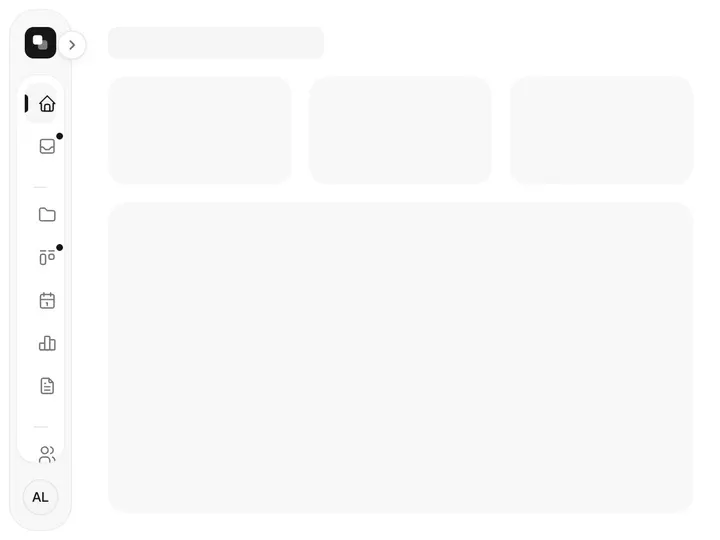
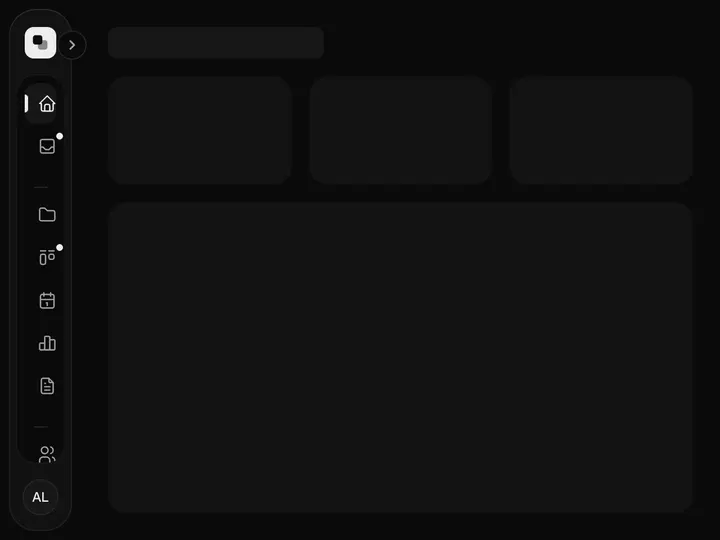
Nested Sidebar
NewInstallation
npx shadcn@latest add https://uibrik.com/r/nested-sidebar.jsonInstall the packages
npm install @tabler/icons-react motionAdd the cn helper
Imports
cnfrom@/lib/utils, whichshadcn initcreates. Add it by hand without shadcn.Copy the source into your project
components/uibrik/nested-sidebar/nested-sidebar.tsx"use client"; // A sidebar for deep navigation: items with children open and close in place // beside a guide line, and a search field (press / to focus) filters the whole // tree as you type, opening whatever holds a match and marking the matched // letters. Clearing the search puts every folder back as it was. The header // toggle (or ⌘B) folds it to a rail of top-level icons; picking one opens the // sidebar again with that section expanded. import { AnimatePresence, motion, useReducedMotion } from "motion/react"; import { IconBook, IconBox, IconCode, IconLayoutSidebarLeftCollapse, IconLayoutSidebarLeftExpand, IconPalette, IconRocket, IconSearch, IconSelector, IconX, } from "@tabler/icons-react"; import { createContext, useContext, useEffect, useMemo, useRef, useState, useSyncExternalStore, type ReactNode } from "react"; import { cn } from "@/lib/utils";
Adds the files to
components/uibrik/nested-sidebar and installs @tabler/icons-react and motion. With the @uibrik namespace set up: npx shadcn@latest add @uibrik/nested-sidebar.Props
NestedSidebar- defaultCollapsed
- Type boolean
- false
- Folded to the icon rail at first. When unset, it starts folded on phones and open on larger screens.
- shortcut
- Type boolean
- true
- Toggle with ⌘B / Ctrl+B.
- search
- Type boolean
- true
- Show the search field (press / to focus).
- width
- Type number
- 272
- Width.
- groups
- Type { label?; items: { label; icon?; href?; badge?; items? }[] }[]
- sample app navigation
- The navigation. Same shape across all sidebars.
- brand
- Type { name; caption?; logo? }
- –
- Workspace shown at the top.
- user
- Type { name; email? }
- –
- Account shown at the bottom.
- current / onNavigate
- Type string / (label) => void
- –
- The current page, and a callback when one is chosen.
- collapsed / onCollapsedChange
- Type boolean / (collapsed) => void
- –
- Folded state, controlled.
- className
- Type string
- –
- Classes for the sidebar.
- defaultOpen
- Type string[]
- –
- Labels of items open at first.