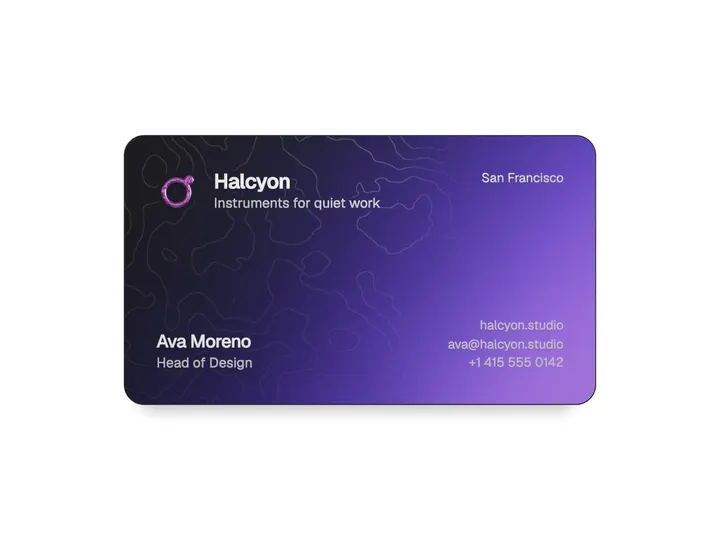
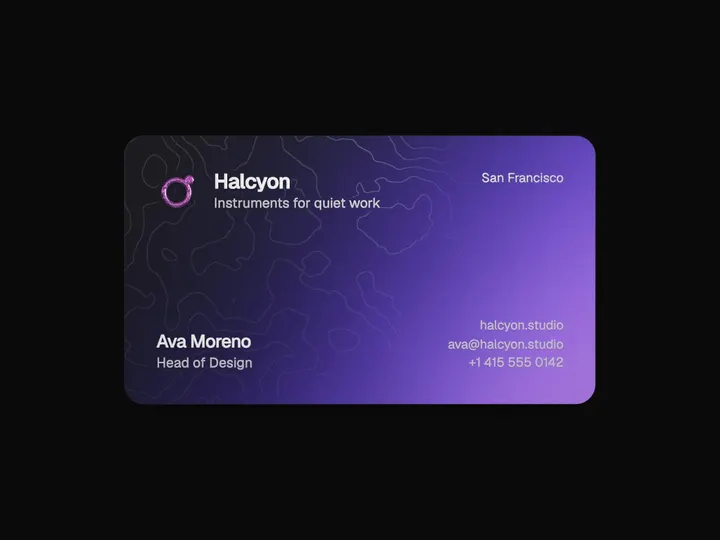
Sticker Peel
ProInstallation
ProSticker Peel is a Pro component
Sign in to see the source, or install it with a license key. The live preview and props above are free to explore.
Install with a key
- Add the Pro registry to
components.json:components.json { "registries": { "@uibrik-pro": { "url": "https://uibrik.com/r/pro/{name}.json", "headers": { "Authorization": "Bearer ${UIBRIK_LICENSE}" } } } } - Put your key in
.env.localand add that file to.gitignore:.env.local UIBRIK_LICENSE=your-license-key - Install it:
Terminal npx shadcn@latest add @uibrik-pro/sticker-peel
Loading your installation…
Props
StickerPeel- shine
- Type "holo" | "gloss" | "none"
- "holo"
- The finish: an iridescent foil, a plain sheen of light, or matte.
- shineIdle
- Type number
- 0.22
- Strength of the shine before it's touched. Kept faint, so it reads as a finish.
- shineHover
- Type number
- 0.55
- Strength while hovered or held. Its highlight also glides to sit under the pointer.
- curl
- Type number
- 0.5
- How tightly a peel rolls over. Higher rolls tighter.
- hoverCurl
- Type number
- 0.5
- How far the edge nearest the pointer lifts on hover. 0 turns it off.
- release
- Type number
- 0.55
- How far, as a share of the sticker's size, it must be pulled before it comes free.
- backing
- Type string
- "#f2f0ea"
- Colour of the paper backing that shows as it curls.
- lift
- Type number
- 1
- How high a carried sticker lifts: its scale and how far its shadow falls.
- swing
- Type number
- 1
- How much a carried sticker swings and tilts as it moves.
- shadow
- Type number
- 1
- Strength of the shadows, including the curled flap's.
- throwable
- Type boolean
- true
- Let a flick throw a sticker; it flutters and lands where it slows.
- acceptFiles
- Type boolean
- true
- Turn image files dropped onto the area into stickers.
- stickers
- Type Sticker[]
- the uibrik mark
- Each is one of { src } (png, jpg, webp, avif, gif, svg, data: or blob: URL), { svg } markup, { text, font?, color? } (words or emoji), { image } (an img, canvas or ImageBitmap) or { file } (a File), plus size?, shape? (auto, die-cut, circle, rounded), background? (colour or two for a gradient), shine? (overrides the board's), border?, at? { x, y, rotate } and label?. Pass a stable array: a new one resets the board.
- uibrikMark
- Type (fill?) => string
- –
- The uibrik mark as SVG markup, for { svg } stickers.
- droppedSize
- Type number
- 140
- Width of stickers made from dropped files, px.
- onPlace
- Type (id, { x, y, rotate }) => void
- –
- Called when a sticker lands.
- className
- Type string
- –
- Classes for the area. It fills its parent (at least 420px tall) and takes touch drags, so the page doesn't scroll over it.