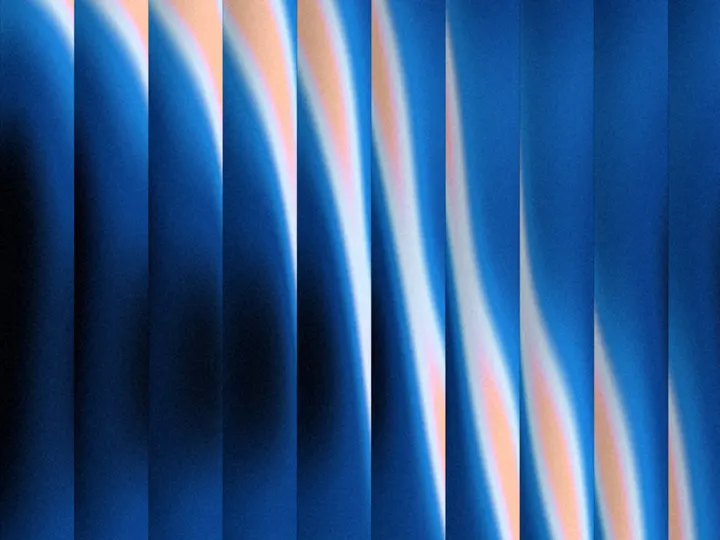
Diagonal Beams
NewCustomize
Color
Background
Count7
Size1.00
Angle-50°
Blur1.00
Rim0.70
Tilt1.00
Intensity1.00
Speed1.0
Grain0.030
Lean1.00
Installation
npx shadcn@latest add https://uibrik.com/r/diagonal-beams.jsonAdd the cn helper
Imports
cnfrom@/lib/utils, whichshadcn initcreates. Add it by hand without shadcn.Copy the source into your project
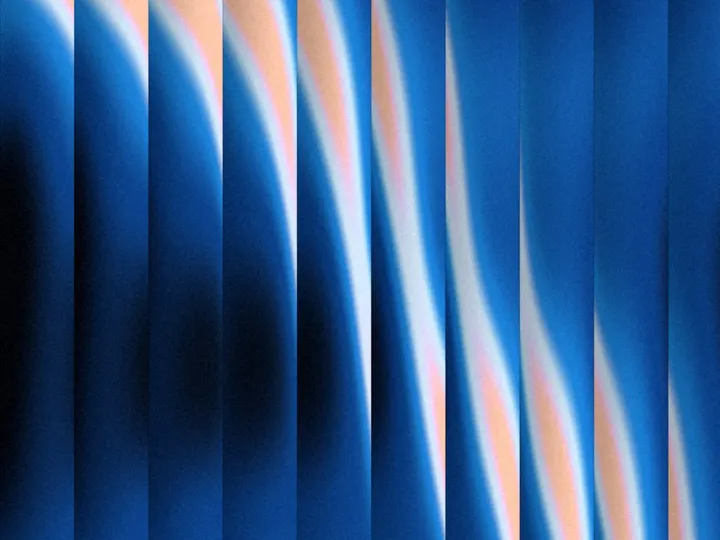
components/uibrik/diagonal-beams/diagonal-beams.tsx"use client"; import { ShaderSurface, hexToOklab, type ShaderBackgroundProps } from "../_shader-background/ShaderSurface"; // One soft light falling across a pleated surface: a row of slanted strips, side by side, like // the folds of a fan. // // Each strip is a fold: its lit face starts at a crisp edge and turns away from the light toward // the next strip, falling softly into shadow, so every fold meets the next with a sharp line. The // light is one pool in the middle; each strip catches it a little further along or back, so the lit // faces end at staggered points, and its brightness picks the colour: deepest shade where it is // faint, lightest where it is strongest. Each strip twists slowly along its length, and where it // turns edge-on less light gets through. The light's falloff and the turn into shadow are dithered, // read from a slightly random spot for each pixel, so they dissolve into fine grain while the fold // edges stay sharp. Just past the light only a thin highlight along each crisp edge is left, and // it fades to nothing further out. The pointer nudges the light a little toward itself. // // On first showing the light opens in place, growing from a point in the middle to its full size // and brightening as it grows. const SHADER = /* glsl */ ` uniform float u_beams; // strips per box height uniform float u_size; // size of the light uniform float u_angle; // direction the strips run, degrees uniform float u_blur; // how far the light's edge dissolves into grain
Adds the files to
components/uibrik/diagonal-beams. With the @uibrik namespace set up: npx shadcn@latest add @uibrik/diagonal-beams.Usage
import { DiagonalBeams } from "@/components/uibrik/diagonal-beams/diagonal-beams";<DiagonalBeams color="#e5373f" background="#060608" count={7} size={1} angle={-50} blur={1} rim={0.7} tilt={1} intensity={1} speed={1} grain={0.03} animate interactive lean={1}> …</DiagonalBeams>Props
DiagonalBeams- color
- Type string
- "#e5373f"
- Colour of the light; drawn in shades of it.
- colors
- Type string[]
- ["#0a1520","#1b3550","#d4313b","#ee7887","#f8c3cb"]
- Hex colours, 2 to 6, from the dimmest light to the brightest. Overrides color.
- background
- Type string
- "#060608"
- Colour behind the strips.
- count
- Type number
- 7
- How many strips fit the height of the box.
- size
- Type number
- 1
- Size of the light; 1 is the designed size.
- angle
- Type number
- -50
- Direction the strips run; negative slants down to the right.
- blur
- Type number
- 1
- How far the light's edge dissolves into grain; 0 is a smooth falloff.
- rim
- Type number
- 0.7
- The thin highlight along each fold's crisp edge, reaching out into the dark.
- tilt
- Type number
- 1
- How much the strips twist along their length, letting less light through where they turn.
- intensity
- Type number
- 1
- Exposure: how bright the light is.
- speed
- Type number
- 1
- Animation speed; 1 is the designed pace.
- grain
- Type number
- 0.03
- Film grain strength, over the whole frame.
- animate
- Type boolean
- true
- Move on its own. Off draws one still frame.
- interactive
- Type boolean
- true
- React to the pointer.
- lean
- Type number
- 1
- How far the light leans toward the pointer.
- children
- Type ReactNode
- –
- Content shown on top of the background.
- className
- Type string
- –
- Classes for the box; it fills whatever size you give it.