Ink Plume
NewCustomize
Colors
Background
Scale1.00
Width1.00
Warp1.00
Blur1.00
Rotation-45°
Spread1.00
Speed1.0
Grain0.075
Installation
npx shadcn@latest add https://uibrik.com/r/ink-plume.jsonAdd the cn helper
Imports
cnfrom@/lib/utils, whichshadcn initcreates. Add it by hand without shadcn.Copy the source into your project
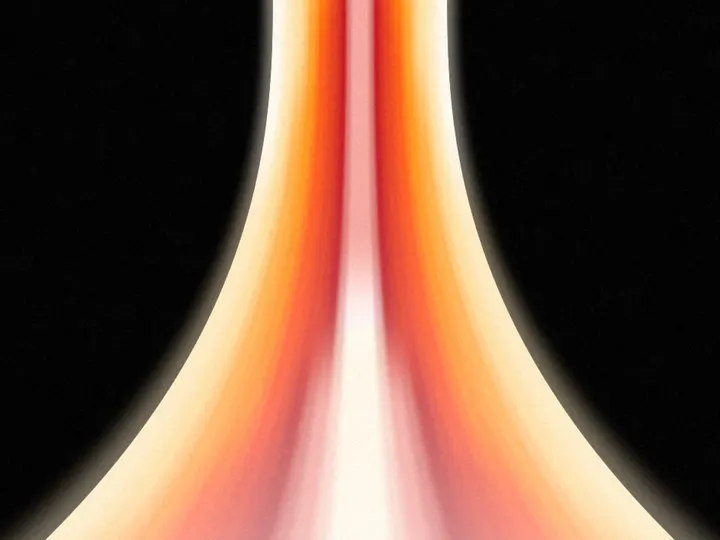
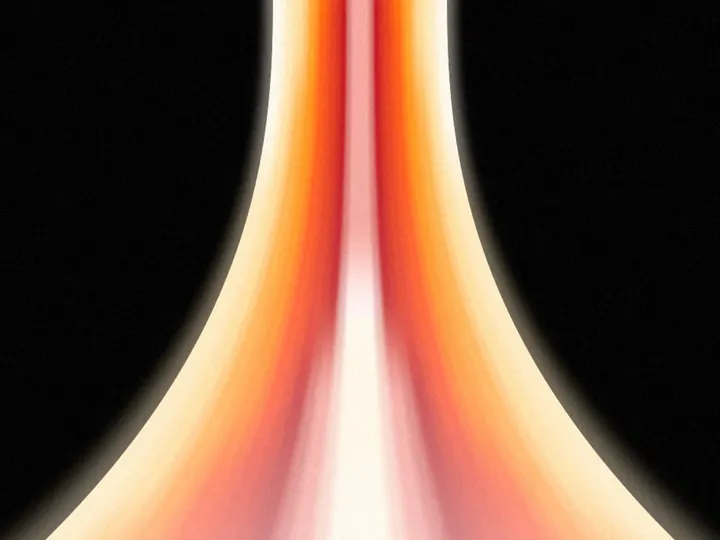
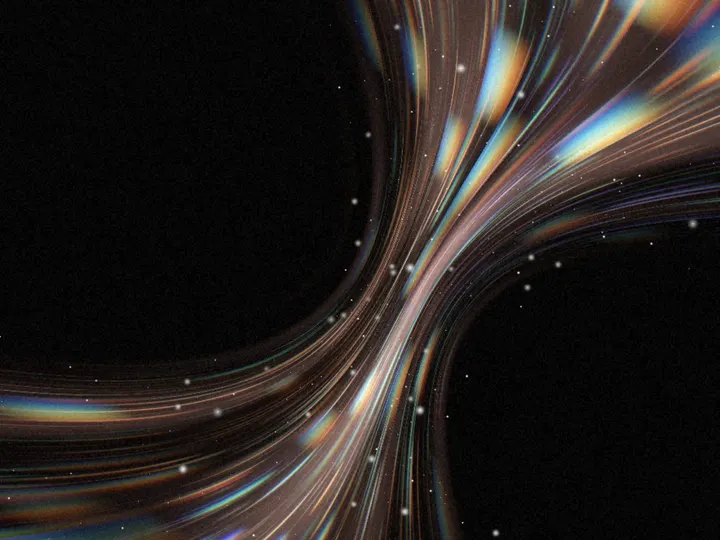
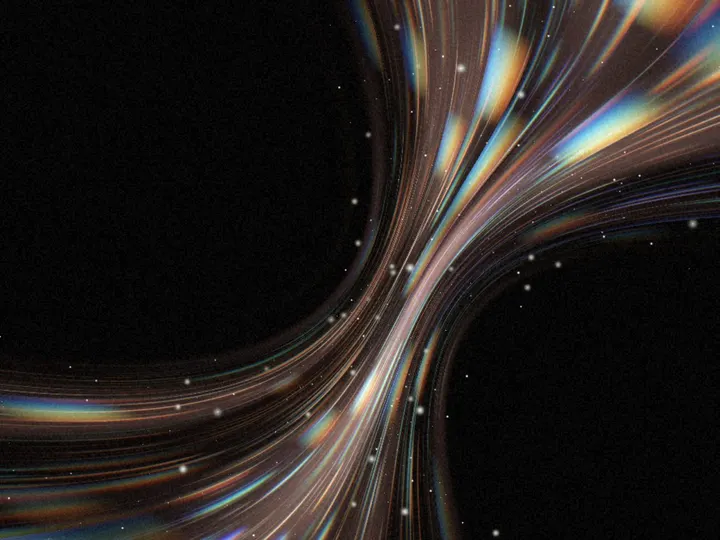
components/uibrik/ink-plume/ink-plume.tsx"use client"; import type { CSSProperties, ReactNode } from "react"; import { ShaderSurface, hexToOklab } from "../_shader-background/ShaderSurface"; import { shadesOf, type ShadeStep } from "../_shader-background/shades"; // A plume of ink rising through clear water, seen through a lens that splits its colours. The plume // is a column whose centre line wanders with height, its width breathing, its edges roughened by // noise and the whole thing warped through a slow flow. It is drawn three times: once in place for // the ink, and twice nudged a little either way along a slowly turning direction, for two fringe // colours that show only where the ink itself doesn't, the way dispersion edges a dark shape in // colour. The higher the ink rises the more it spreads: its edges soften and the fringes widen, // until near the top they are no more than a pale haze. const SHADER = /* glsl */ ` uniform float u_scale; // size of the plume uniform float u_width; // how broad the plume is uniform float u_warp; // how much the flow bends it uniform float u_blur; // how soft the ink is, growing with height uniform float u_spread; // how far the fringes split from the ink uniform float u_rotation; // turn of the whole plume, radians uniform vec3 u_base; // the water, OKLab // how much ink covers a point, 0..1 float plume(vec2 p, float y, float t, float soft) {
Adds the files to
components/uibrik/ink-plume. With the @uibrik namespace set up: npx shadcn@latest add @uibrik/ink-plume.Usage
import { InkPlume } from "@/components/uibrik/ink-plume/ink-plume";<InkPlume colors={["#000000", "#1610d8", "#d62a1e"]} background="#ffffff" scale={1} width={1} warp={1} blur={1} rotation={-45} spread={1} speed={1} grain={0.075} animate> …</InkPlume>Props
InkPlume- colors
- Type string[]
- ["#000000","#1610d8","#d62a1e"]
- The ink, then the fringe on one side, then the fringe on the other.
- color
- Type string
- "#1610d8"
- One colour drawn in shades instead of colors.
- background
- Type string
- "#ffffff"
- Colour of the water behind the ink.
- scale
- Type number
- 1
- Size of the plume; larger is broader and calmer.
- width
- Type number
- 1
- How broad the plume is.
- warp
- Type number
- 1
- How much the flow bends the plume.
- blur
- Type number
- 1
- How soft the ink is; it softens further as it rises.
- rotation
- Type number
- -45
- Turns the whole plume; 0 rises from the bottom, 90 flows in from the right.
- spread
- Type number
- 1
- How far the coloured fringes split from the ink; 0 leaves it plain.
- speed
- Type number
- 1
- Animation speed; 1 is the designed pace.
- grain
- Type number
- 0.075
- Film grain strength.
- animate
- Type boolean
- true
- Move on its own. Off draws one still frame.
- children
- Type ReactNode
- –
- Content shown on top of the background.
- className
- Type string
- –
- Classes for the box; it fills whatever size you give it.