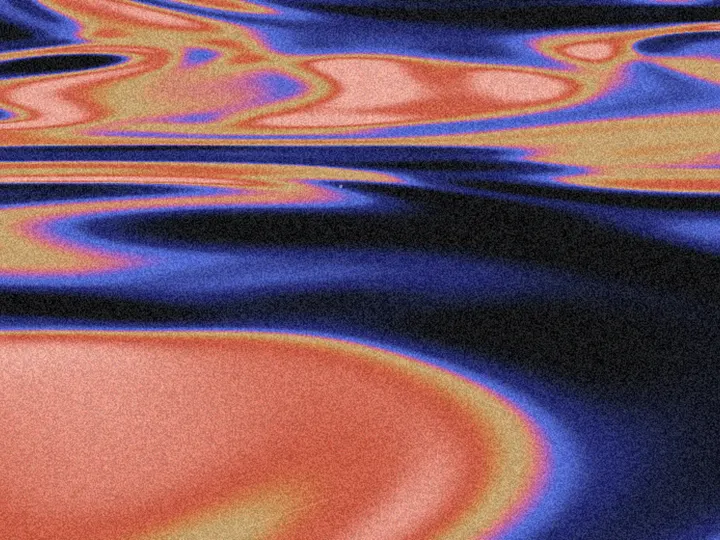
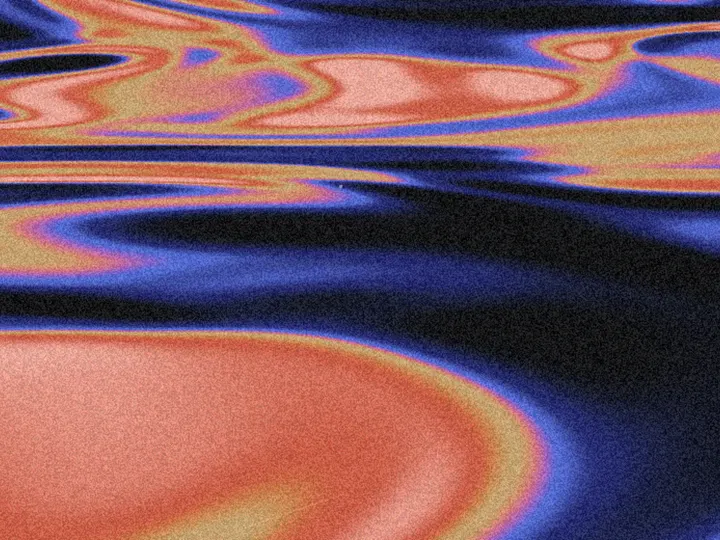
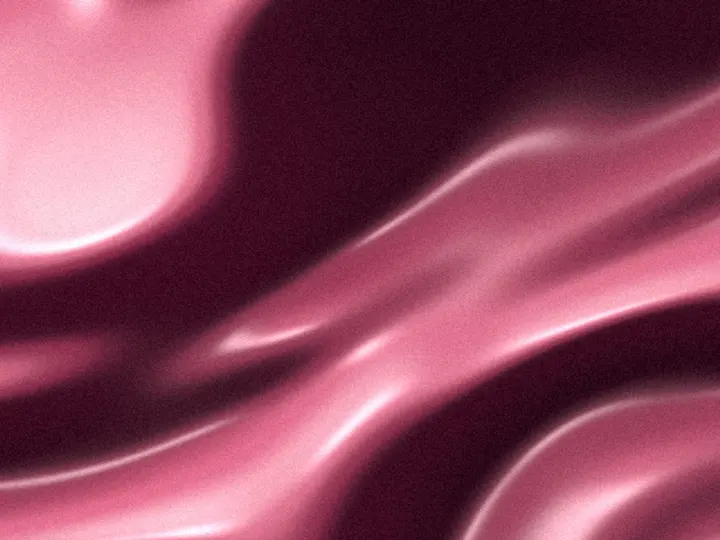
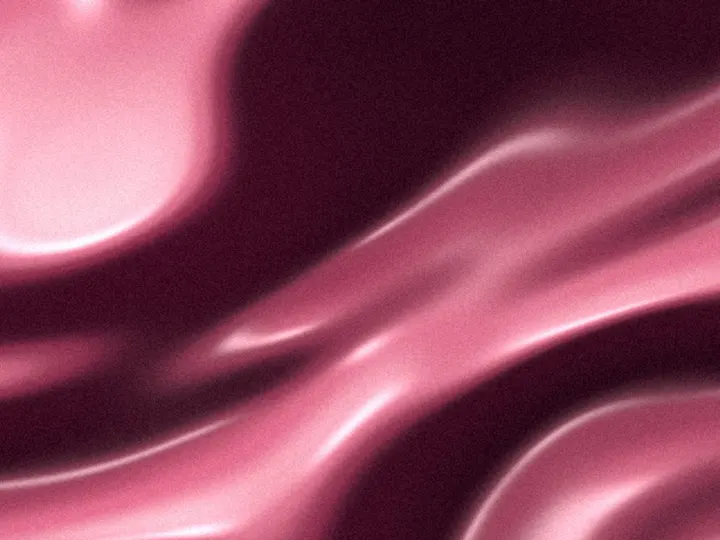
Mesh Gradient
NewCustomize
Color
Scale1.00
Blend1.00
Warp1.00
Speed1.0
Grain0.060
Seed0
Installation
npx shadcn@latest add https://uibrik.com/r/mesh-gradient.jsonAdd the cn helper
Imports
cnfrom@/lib/utils, whichshadcn initcreates. Add it by hand without shadcn.Copy the source into your project
components/uibrik/mesh-gradient/mesh-gradient.tsx"use client"; import type { CSSProperties, ReactNode } from "react"; import { ShaderSurface } from "../_shader-background/ShaderSurface"; import { paletteOf, type ShadeStep } from "../_shader-background/shades"; // A mesh gradient: six points of colour spread over the box, each drifting on its own slow orbit. // Every pixel takes a weighted mix of all six, the weight falling off as a gaussian of the // distance, so the colours meet along soft seams rather than in rings round each point. Each point // is an ellipse that turns slowly, so the patches read as petals and folds instead of discs, and a // faint, slow wave runs through the plane underneath so no seam stays quite straight. The mix is // taken in OKLab with the chroma averaged on its own, so a blend between two colours never sinks // into grey. On first showing the points bloom out from the centre. const SHADER = /* glsl */ ` uniform float u_scale; // size of each patch of colour uniform float u_blend; // how wide the seams between colours are uniform float u_warp; // how much the plane waves const int NODES = 6; float outCubic(float x) { x = 1.0 - clamp(x, 0.0, 1.0); return 1.0 - x * x * x; }
Adds the files to
components/uibrik/mesh-gradient. With the @uibrik namespace set up: npx shadcn@latest add @uibrik/mesh-gradient.Usage
import { MeshGradient } from "@/components/uibrik/mesh-gradient/mesh-gradient";<MeshGradient color="#7c4dff" scale={1} blend={1} warp={1} speed={1} grain={0.06} seed={0} animate> …</MeshGradient>Props
MeshGradient- color
- Type string
- "#7c4dff"
- Colour of the mesh; drawn in shades of it.
- colors
- Type string[]
- ["#1d1b5e","#6a4cf0","#ffd9c7","#d6528f","#8fb4ff","#fff6ec"]
- Hex colours, 2 to 6, one per point of the mesh. Overrides color.
- scale
- Type number
- 1
- Size of each patch of colour; larger is broader and calmer.
- blend
- Type number
- 1
- How wide the seams between colours are; lower gives crisper patches.
- warp
- Type number
- 1
- How much the plane waves; 0 keeps the seams smooth.
- speed
- Type number
- 1
- Animation speed; 1 is the designed pace.
- grain
- Type number
- 0.06
- Film grain strength.
- seed
- Type number
- 0
- Shifts the composition, so two meshes with the same settings still differ.
- animate
- Type boolean
- true
- Move on its own. Off draws one still frame.
- children
- Type ReactNode
- –
- Content shown on top of the background.
- className
- Type string
- –
- Classes for the box; it fills whatever size you give it.