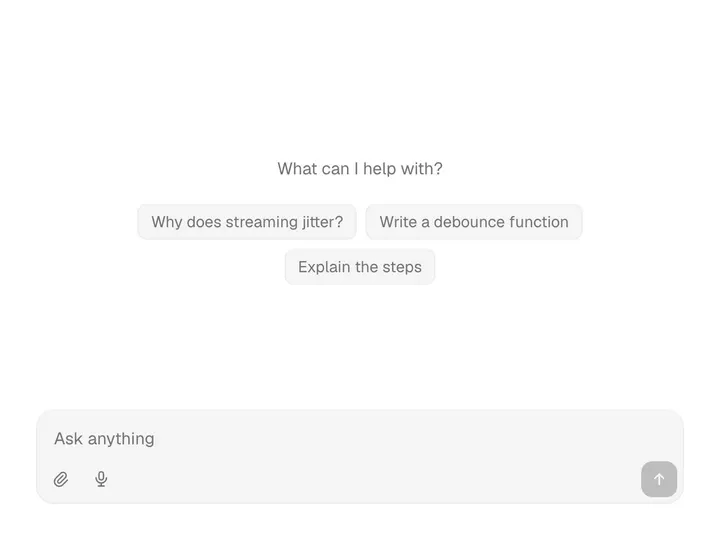
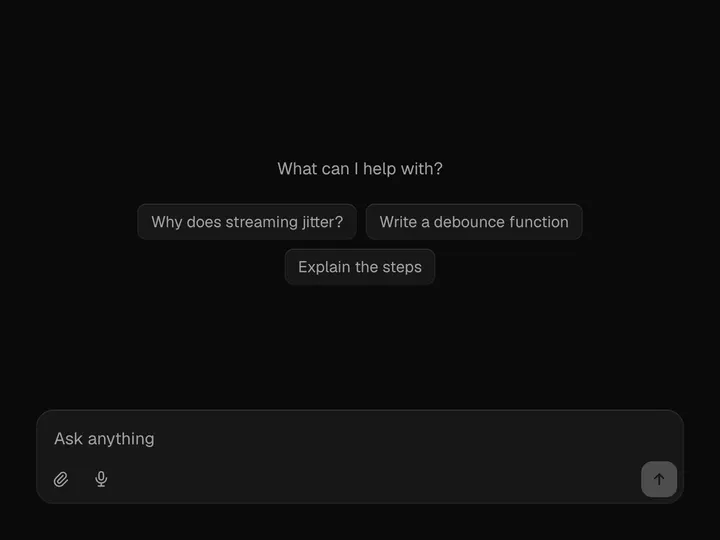
Prompt Input
NewCustomize
Max rows8
Installation
npx shadcn@latest add https://uibrik.com/r/prompt-input.jsonInstall the packages
npm install @tabler/icons-react motionAdd the cn helper
Imports
cnfrom@/lib/utils, whichshadcn initcreates. Add it by hand without shadcn.Copy the source into your project
components/uibrik/prompt-input/prompt-input.tsx"use client"; import { useEffect, useId, useLayoutEffect, useRef, useState, useSyncExternalStore, type ClipboardEvent, type DragEvent, type KeyboardEvent, type ReactNode, } from "react"; import { AnimatePresence, motion, useReducedMotion } from "motion/react"; import { IconArrowUp, IconCheck, IconChevronDown, IconFile, IconLoader2, IconMicrophone, IconPaperclip, IconPlayerStopFilled,
Adds the files to
components/uibrik/prompt-input and installs @tabler/icons-react and motion. With the @uibrik namespace set up: npx shadcn@latest add @uibrik/prompt-input.Usage
import { PromptInput } from "@/components/uibrik/prompt-input/prompt-input";<PromptInput attach voice maxRows={8} placeholder="Ask anything" disabled={false} status="idle" defaultValue="" accept="" maxFiles={6} maxFileSizeMb={10} side="top" label="Message" onSubmit={(prompt) => {}} onStop={() => {}} // value="…" // onValueChange={(value) => {}} // model="…" // defaultModel="…" // onModelChange={(id) => {}} // transcribe={(audio, signal) => {}}/>Props
PromptInput- attach
- Type boolean
- true
- File button, drag and drop, and paste.
- voice
- Type boolean
- true
- Dictation button. Shows only where the browser can listen, or where `transcribe` can record.
- maxRows
- Type number
- 8
- Rows the field grows to before it scrolls.
- placeholder
- Type string
- "Ask anything"
- Hint shown in the empty field.
- disabled
- Type boolean
- false
- Grey the box out and ignore input.
- onSubmit
- Type (prompt: PromptSubmission) => void | Promise<void>
- –
- Called on Enter or the send button with { text, files, model, command, mentions }. The field clears straight away and comes back if this throws.
- status
- Type "idle" | "submitting" | "streaming"
- –
- Pass "streaming" while a reply arrives to turn send into stop. Leave out to have the box track a returned promise itself.
- onStop
- Type () => void
- –
- Called by the stop button.
- value / onValueChange
- Type string / (value) => void
- –
- Controlled text.
- defaultValue
- Type string
- ""
- Text on mount when uncontrolled.
- models
- Type { id, name, description? }[]
- –
- Models for the picker. Leave out to hide it.
- model / defaultModel / onModelChange
- Type string / string / (id) => void
- –
- Selected model, controlled or not. Defaults to the first.
- commands
- Type { name, description? }[]
- –
- Offered after / at the start. The chosen one comes back as `command`.
- mentions
- Type { id, label, description?, avatar? }[]
- –
- Offered after @. Mentions in the text come back as `mentions`.
- accept
- Type string
- ""
- Which files to take, as an <input accept> string such as "image/*,.pdf". Empty takes any.
- maxFiles
- Type number
- 6
- Most files one prompt can carry.
- maxFileSizeMb
- Type number
- 10
- Largest single file, in MB.
- transcribe
- Type (audio: Blob, signal: AbortSignal) => Promise<string>
- –
- Your own speech-to-text. When given, dictation records audio and inserts what this returns. Without it the browser's own recognition is used.
- side
- Type "top" | "bottom"
- "top"
- Where the suggestion lists open. Use "bottom" when the box sits at the top of a screen.
- label
- Type string
- "Message"
- Names the field for screen readers.
- className
- Type string
- –
- Classes for the outer box. It is w-full max-w-2xl by default.