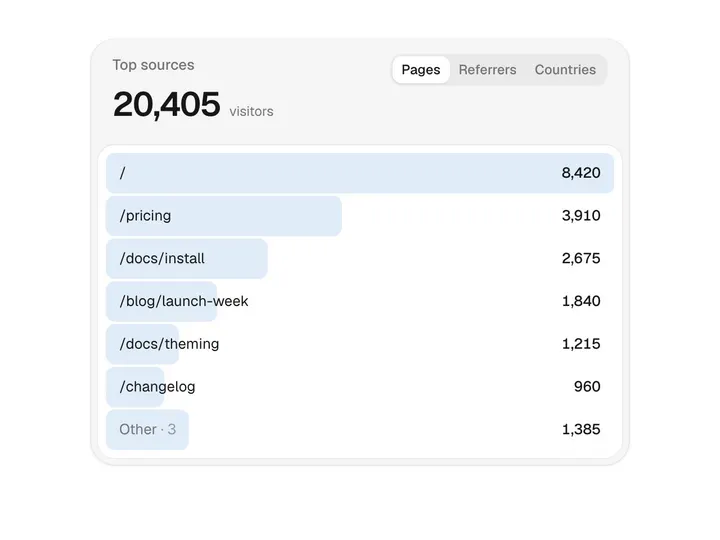
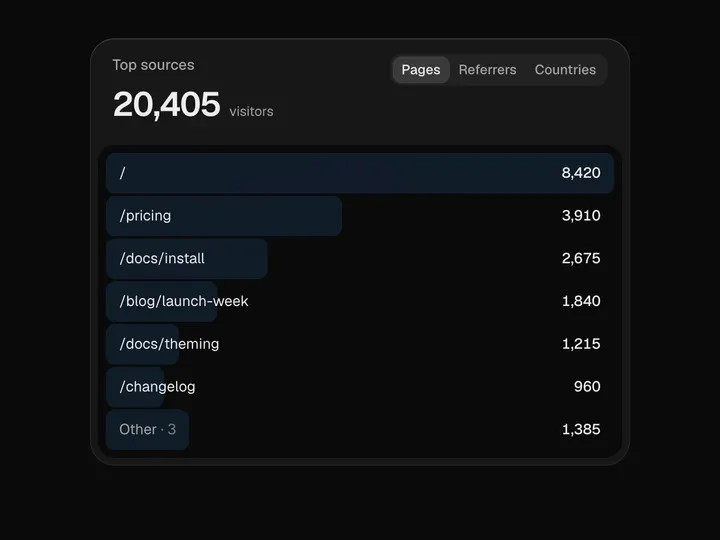
Table Chart
ProCustomize
Table
Auto
Rows6
Currency
Duration1.00s
Stagger0.08
Accent
Installation
ProTable Chart is a Pro component
Sign in to see the source, or install it with a license key. The live preview and props above are free to explore.
Install with a key
- Add the Pro registry to
components.json:components.json { "registries": { "@uibrik-pro": { "url": "https://uibrik.com/r/pro/{name}.json", "headers": { "Authorization": "Bearer ${UIBRIK_LICENSE}" } } } } - Put your key in
.env.localand add that file to.gitignore:.env.local UIBRIK_LICENSE=your-license-key - Install it:
Terminal npx shadcn@latest add @uibrik-pro/table-chart
Loading your installation…
Usage
import { TableChart } from "@/components/uibrik/table-chart/TableChart";const data = [ { label: "Direct", value: 12400 }, { label: "Search", value: 18900 }, // …4 more];<TableChart defaultView="table" orientation="auto" caption="Revenue by channel" labelHeader="Channel" valueHeader="Revenue" duration={1} stagger={0.08} accent="" data={data} onViewChange={(view) => {}} // view="table"/>Props
TableChart- defaultView
- Type "table" | "chart"
- "table"
- View shown first.
- orientation
- Type "auto" | "vertical" | "horizontal"
- "auto"
- Bars up, or sideways. Auto goes sideways on cards narrower than 420px.
- caption
- Type string
- "Revenue by channel"
- Heading over the total.
- labelHeader
- Type string
- "Channel"
- Header for the label column.
- valueHeader
- Type string
- "Revenue"
- Header for the value column.
- duration
- Type number
- 1
- Length of the whole morph, stagger included.
- stagger
- Type number
- 0.08
- Delay between rows, as a share of the morph.
- accent
- Type string
- ""
- Bar colour. Empty uses the chart palette.
- data
- Type { label: string; value: number }[]
- SAMPLE_TABLE_DATA
- Rows, top to bottom; they become bars left to right.
- format
- Type Intl.NumberFormatOptions
- USD currency
- Formats every number, e.g. { notation: "compact" }.
- view
- Type "table" | "chart"
- –
- Controlled view.
- onViewChange
- Type (view: "table" | "chart") => void
- –
- Called when the toggle is used.
- className
- Type string
- –
- Classes for the card.