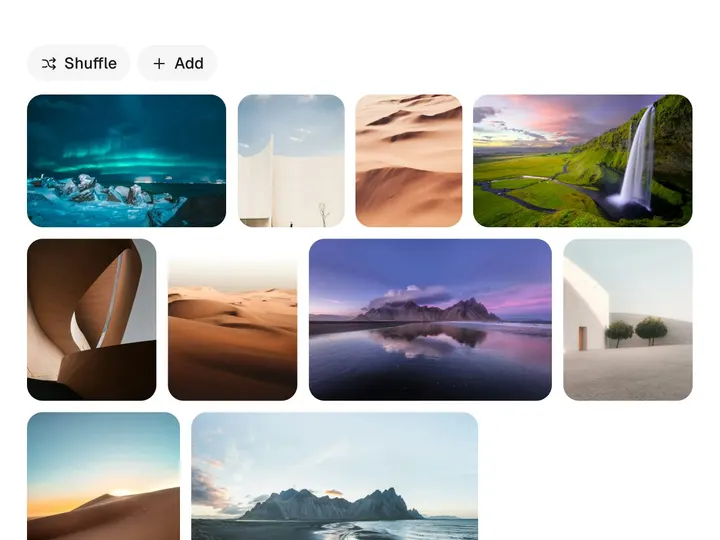
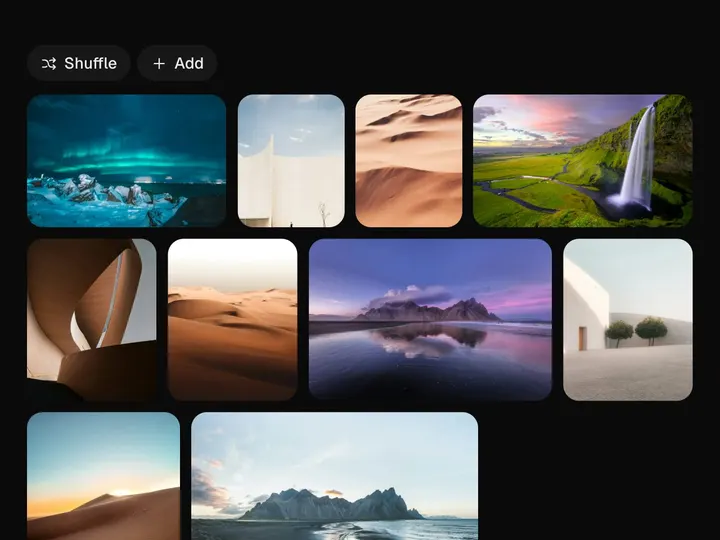
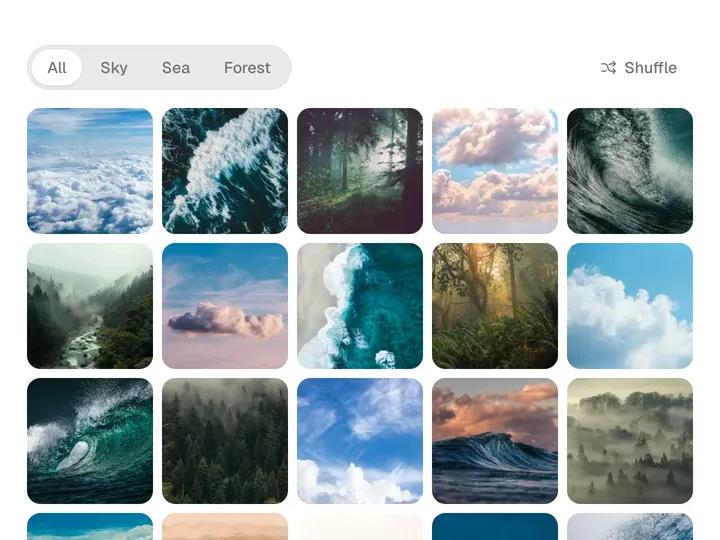
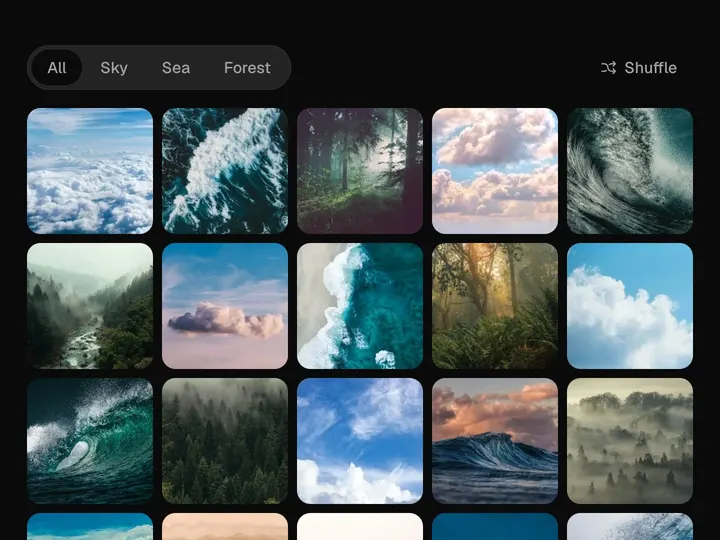
Jiggle Grid
NewCustomize
Tile size60px
Jiggle2.00°
Hold delay450ms
Bounce0.20
Radius16px
Installation
npx shadcn@latest add https://uibrik.com/r/jiggle-grid.jsonInstall the packages
npm install @tabler/icons-react motionAdd the cn helper
Imports
cnfrom@/lib/utils, whichshadcn initcreates. Add it by hand without shadcn.Copy the source into your project
components/uibrik/jiggle-grid/jiggle-grid.tsx"use client"; import { useEffect, useId, useRef, useState, type CSSProperties, type KeyboardEvent, type PointerEvent as ReactPointerEvent, type ReactNode } from "react"; import { AnimatePresence, animate, motion, motionValue, type MotionValue } from "motion/react"; import { IconBookFilled, IconCalendarFilled, IconCameraFilled, IconClockFilled, IconCloudFilled, IconListCheckFilled, IconMailFilled, IconMapPinFilled, IconMessageCircleFilled, IconMinus, IconPhotoFilled, IconSettingsFilled, } from "@tabler/icons-react"; import { cn } from "@/lib/utils"; // Jiggle grid. A home-screen grid you rearrange like on a phone. Press and hold // a tile (or press Edit) and every tile starts to wobble; drag one and it // follows your finger exactly while the others spring out of its way to make // room, then it drops into the gap. Tiles can be removed, and the rest close
Adds the files to
components/uibrik/jiggle-grid and installs @tabler/icons-react and motion. With the @uibrik namespace set up: npx shadcn@latest add @uibrik/jiggle-grid.Usage
import { JiggleGrid } from "@/components/uibrik/jiggle-grid/jiggle-grid";<JiggleGrid tileSize={60} jiggle={2} holdDelay={450} bounce={0.2} radius={16} removable toolbar defaultEditing={false} onSelect={(item) => {}} // items={[{ id: "…", label: "…" }]} // value={["…"]} // onChange={(ids) => {}} // defaultValue={["…"]} // editing={false} // onEditingChange={(editing) => {}}/>Props
JiggleGrid- tileSize
- Type number
- 60
- Size of an icon tile.
- jiggle
- Type number
- 2
- How far tiles rock while editing.
- holdDelay
- Type number
- 450
- How long a press takes to start editing.
- bounce
- Type number
- 0.2
- Springiness of tiles making room. 0 settles without overshoot.
- radius
- Type number
- 16
- Corner radius of a tile.
- removable
- Type boolean
- true
- Show a remove button on each tile while editing.
- toolbar
- Type boolean
- true
- Show the Edit / Done button above the grid.
- items
- Type { id: string; label: string; icon?: ReactNode }[]
- SAMPLE_APPS
- Every tile the grid can show.
- value / onChange
- Type string[] / (ids) => void
- –
- Controlled order of ids, called after every move or removal.
- defaultValue
- Type string[]
- –
- Order to begin with. Defaults to the order of items.
- editing / onEditingChange
- Type boolean / (editing) => void
- –
- Controlled edit mode.
- defaultEditing
- Type boolean
- false
- Start in edit mode.
- onSelect
- Type (item) => void
- –
- Called when a tile is pressed outside edit mode.
- className
- Type string
- –
- Classes for the wrapper.