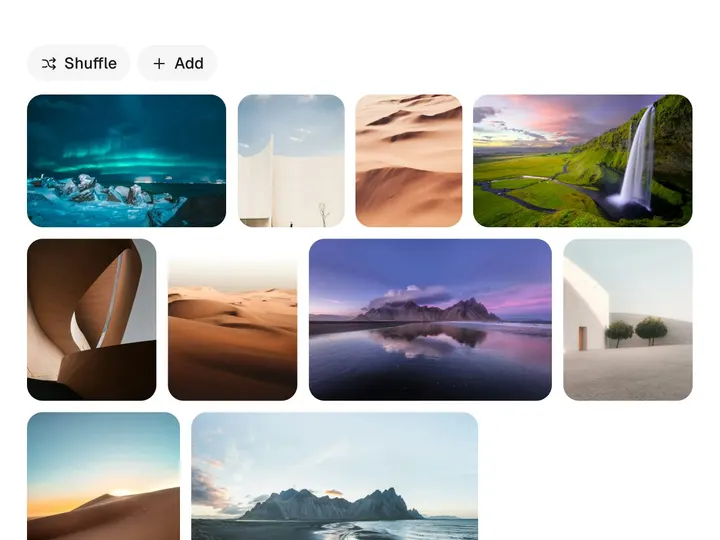
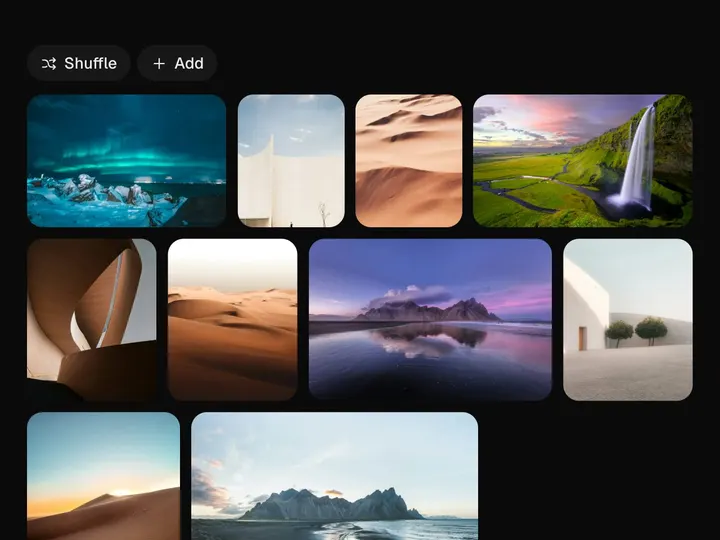
Murmuration Grid
ProCustomize
Duration1.4s
Bird size0.40
Swirl1.0
Turbulence0.50
Min column96px
Gap8px
Radius12px
Installation
ProMurmuration Grid is a Pro component
Sign in to see the source, or install it with a license key. The live preview and props above are free to explore.
Install with a key
- Add the Pro registry to
components.json:components.json { "registries": { "@uibrik-pro": { "url": "https://uibrik.com/r/pro/{name}.json", "headers": { "Authorization": "Bearer ${UIBRIK_LICENSE}" } } } } - Put your key in
.env.localand add that file to.gitignore:.env.local UIBRIK_LICENSE=your-license-key - Install it:
Terminal npx shadcn@latest add @uibrik-pro/murmuration-grid
Loading your installation…
Usage
import { MurmurationGrid } from "@/components/uibrik/murmuration-grid/murmuration-grid";const tabs = [ { id: ALL, label: "All" }, { id: "sky", label: "Sky" }, // …2 more];<MurmurationGrid duration={1.4} birdSize={0.4} swirl={1} turbulence={0.5} minColumnWidth={96} gap={8} radius={12} toolbar tabs={tabs} label="Filter" // items={[{ id: "…", src: "…", alt: "…", tags: ["…"] }]} // value="…" // onChange={(tab) => {}} // defaultValue="…"/>Props
MurmurationGrid- duration
- Type number
- 1.4
- Time from take-off to the last landing.
- birdSize
- Type number
- 0.4
- How small a tile gets in the flock, as a share of its size.
- swirl
- Type number
- 1
- How far the flock loops across the grid. 0 flies straight to the new layout.
- turbulence
- Type number
- 0.5
- How much each bird wanders inside the flock.
- minColumnWidth
- Type number
- 96
- Narrowest a column gets before the grid drops one.
- gap
- Type number
- 8
- Space between tiles.
- radius
- Type number
- 12
- Corner radius of a tile.
- toolbar
- Type boolean
- true
- Show the filter tabs and the Shuffle button.
- items
- Type { id: string; src: string; alt: string; tags: string[] }[]
- SAMPLE_ITEMS
- Photos in order. tags are the ids of the tabs a photo shows under.
- tabs
- Type { id: string; label: string }[]
- SAMPLE_TABS
- Filters in order. A tab with the id "all" shows every photo.
- value / onChange
- Type string / (tab) => void
- –
- Controlled tab id.
- defaultValue
- Type string
- –
- Tab selected to begin with. Defaults to the first.
- label
- Type string
- "Filter"
- Names the tabs for screen readers.
- className
- Type string
- –
- Classes for the wrapper.