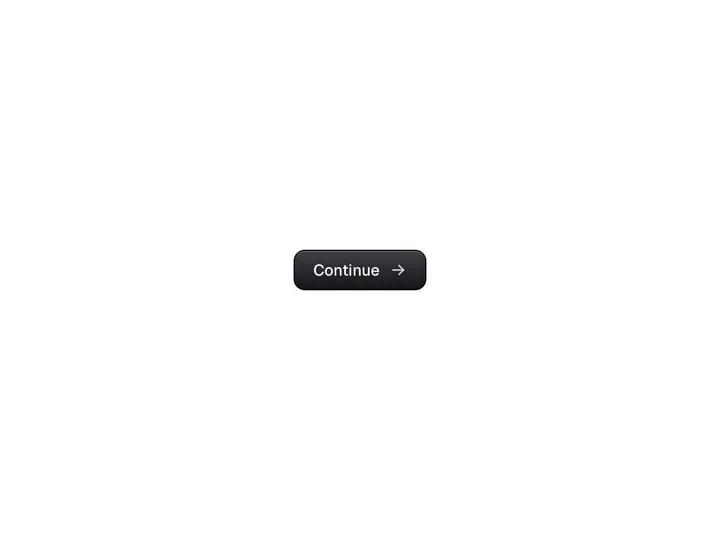
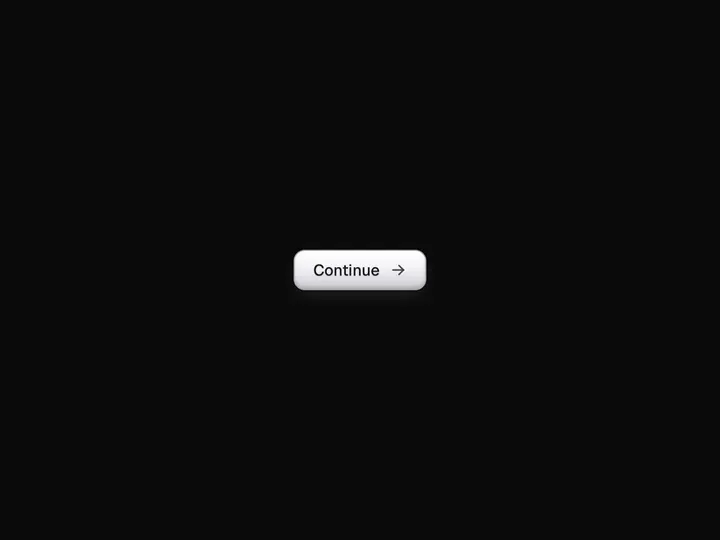
Prism Button
ProCustomize
Prism
Medium
Border2.0px
Radius14px
Glow1.00
Speed7.0s
Installation
ProPrism Button is a Pro component
Sign in to see the source, or install it with a license key. The live preview and props above are free to explore.
Install with a key
- Add the Pro registry to
components.json:components.json { "registries": { "@uibrik-pro": { "url": "https://uibrik.com/r/pro/{name}.json", "headers": { "Authorization": "Bearer ${UIBRIK_LICENSE}" } } } } - Put your key in
.env.localand add that file to.gitignore:.env.local UIBRIK_LICENSE=your-license-key - Install it:
Terminal npx shadcn@latest add @uibrik-pro/prism-button
Loading your installation…
Usage
import { PrismButton } from "@/components/uibrik/prism-button/prism-button";<PrismButton children="Home" showIcon tone="prism" size="md" border={2} radius={14} glow={1} speed={7} follow icon={<IconHomeFilled />}/>Props
PrismButton- children
- Type string
- "Home"
- The label. Leave empty for an icon-only square button.
- showIcon
- Type boolean
- true
- Show the icon before the label.
- tone
- Type "prism" | "chrome" | "gold"
- "prism"
- Colour of the light: a full prism, plain chrome, or warm gold.
- size
- Type "sm" | "md" | "lg"
- "md"
- Padding and type size. Medium is px-6 py-2.
- border
- Type number
- 2
- Thickness of the metal border.
- radius
- Type number
- 14
- Corner radius. The face's corners follow it, inset by the border.
- glow
- Type number
- 1
- Strength of the bloom around the border.
- speed
- Type number
- 7
- Seconds for the light to travel round once while idle. 0 holds it still.
- follow
- Type boolean
- true
- Turn the glint toward the pointer on hover.
- icon
- Type ReactNode
- <IconHomeFilled />
- Shown before the label, painted silver. Hidden when showIcon is false.
- ...button props
- Type ButtonHTMLAttributes
- –
- onClick, disabled, aria-label, className and the rest pass through to the button.