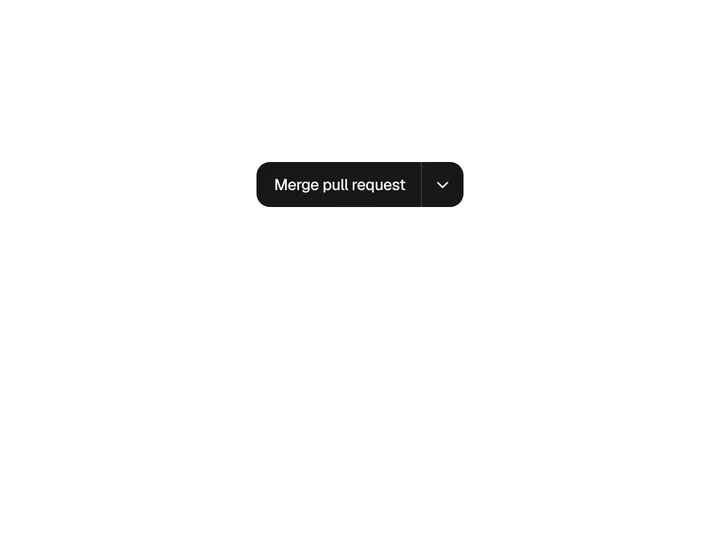
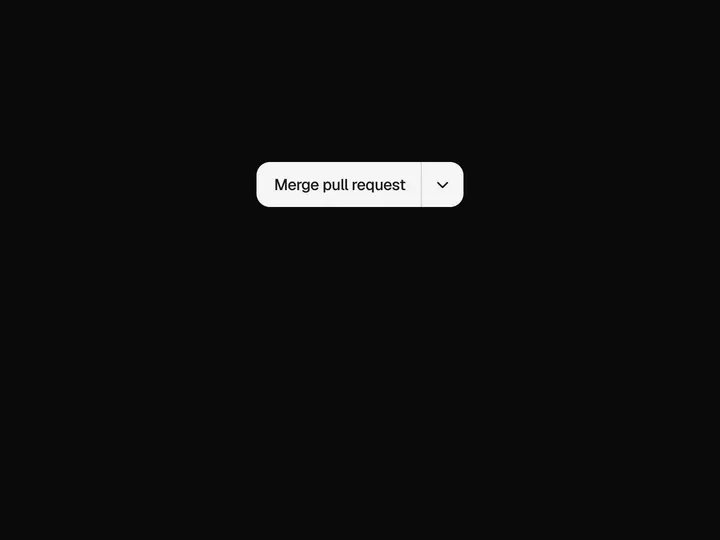
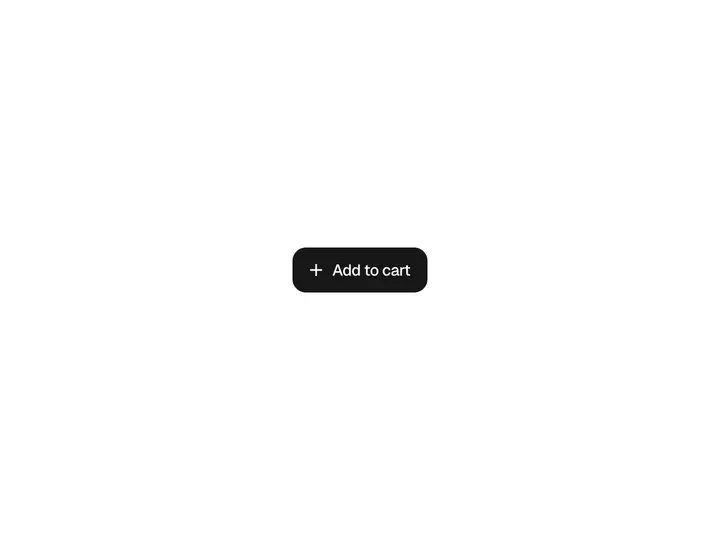
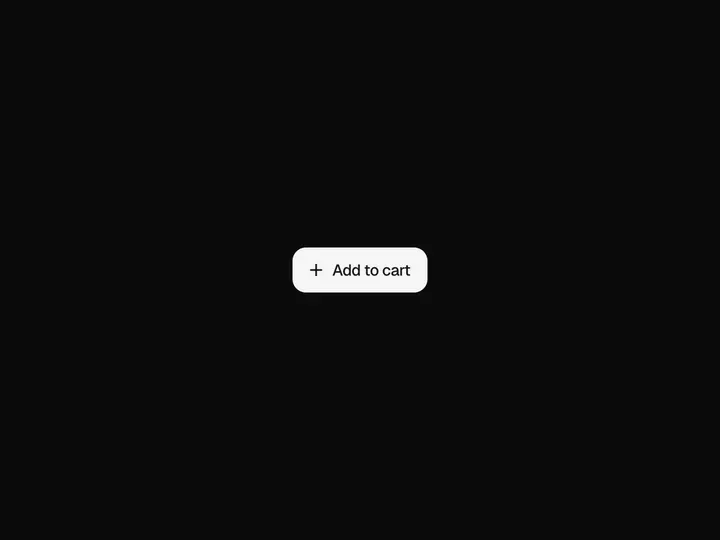
Soft Button
NewCustomize
Primary
Medium
Radius10px
Installation
npx shadcn@latest add https://uibrik.com/r/soft-button.jsonInstall the packages
npm install @tabler/icons-reactAdd the cn helper
Imports
cnfrom@/lib/utils, whichshadcn initcreates. Add it by hand without shadcn.Copy the source into your project
components/uibrik/soft-button/soft-button.tsx"use client"; import type { ButtonHTMLAttributes, CSSProperties, ReactNode } from "react"; import { IconArrowRight } from "@tabler/icons-react"; import { cn } from "@/lib/utils"; // Soft button. A plain button made with care: a gentle top-to-bottom gradient, // a faint highlight along the inside of the top edge and a little shade along // the bottom, and a crisp 1px border a step darker than the fill. Hover lifts // the fill a touch; a press sinks it half a pixel and deepens the inner shade. export type SoftButtonProps = ButtonHTMLAttributes<HTMLButtonElement> & { /** Dark on light (flips in dark mode), quiet neutral, or your accent colour. */ variant?: "primary" | "secondary" | "accent"; /** Accent colour, for the accent variant. */ color?: string; size?: "sm" | "md" | "lg"; /** Shown before the label. */ icon?: ReactNode; /** Shown after the label. */ iconRight?: ReactNode; /** Corner radius, px. */ radius?: number; };
Adds the files to
components/uibrik/soft-button and installs @tabler/icons-react. With the @uibrik namespace set up: npx shadcn@latest add @uibrik/soft-button.Usage
import { SoftButton } from "@/components/uibrik/soft-button/soft-button";<SoftButton children="Continue" variant="primary" size="md" radius={10} iconRight={<IconArrowRight size={16} stroke={2} />} // icon={<…/>}/>Props
SoftButton- children
- Type string
- "Continue"
- The label.
- variant
- Type "primary" | "secondary" | "accent"
- "primary"
- Dark on light (flips in dark mode), quiet neutral, or your accent colour.
- color
- Type string
- "#4f46e5"
- Accent colour, for the accent variant.
- size
- Type "sm" | "md" | "lg"
- "md"
- Height, padding and type size.
- radius
- Type number
- 10
- Corner radius.
- icon
- Type ReactNode
- –
- Shown before the label.
- iconRight
- Type ReactNode
- <IconArrowRight />
- Shown after the label. Pass null for none.
- ...button props
- Type ButtonHTMLAttributes
- –
- onClick, disabled, type, className and the rest pass through to the button.