Signal Filter
ProCustomize
Color
Speed34px/s
Installation
ProSignal Filter is a Pro component
Sign in to see the source, or install it with a license key. The live preview and props above are free to explore.
Install with a key
- Add the Pro registry to
components.json:components.json { "registries": { "@uibrik-pro": { "url": "https://uibrik.com/r/pro/{name}.json", "headers": { "Authorization": "Bearer ${UIBRIK_LICENSE}" } } } } - Put your key in
.env.localand add that file to.gitignore:.env.local UIBRIK_LICENSE=your-license-key - Install it:
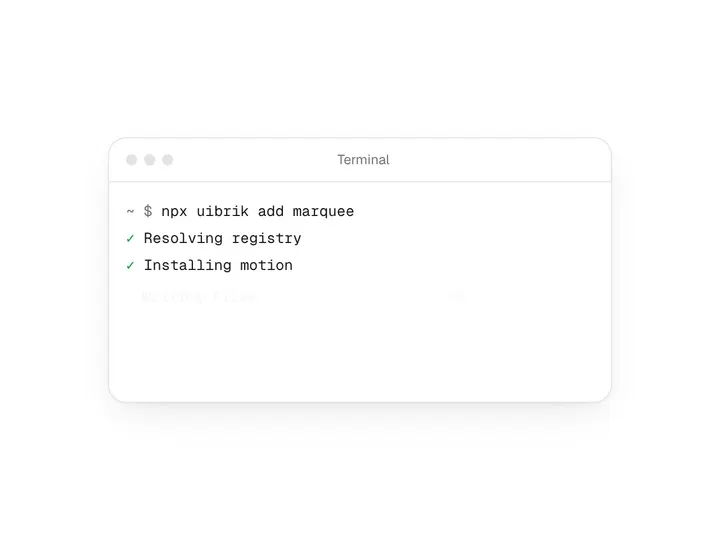
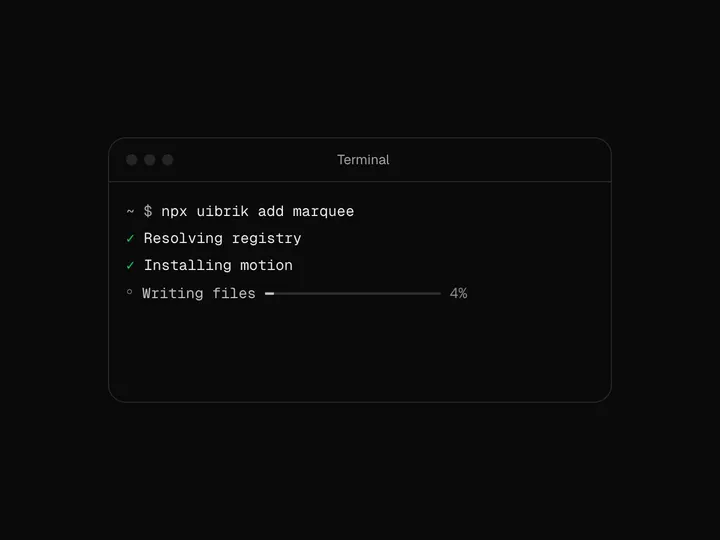
Terminal npx shadcn@latest add @uibrik-pro/signal-filter
Loading your installation…
Usage
import { SignalFilter } from "@/components/uibrik/signal-filter/signal-filter";<SignalFilter color="#3b82f6" speed={34} curve counters after="Subscriber" before={["Visitor", "New user", "Lead"]} visitors={1284} subscribers={312} countLabels={["Visitors", "Subscribers"]} label="Incoming traffic, filtered into subscribers" // people={[{ name: "…", avatar: "…" }]}/>Props
SignalFilter- color
- Type string
- "#3b82f6"
- Colour of the scanner, the checks and the coins.
- speed
- Type number
- 34
- How fast the stream drifts.
- curve
- Type boolean
- true
- Bend the stream and the sheet like a curved screen.
- counters
- Type boolean
- true
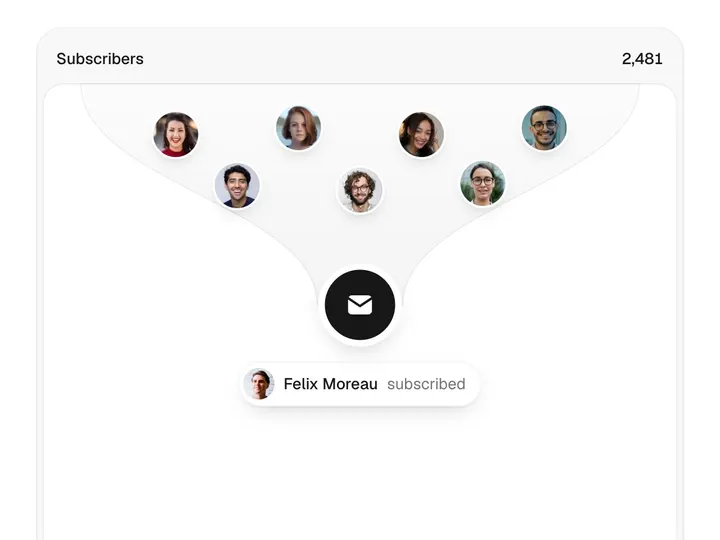
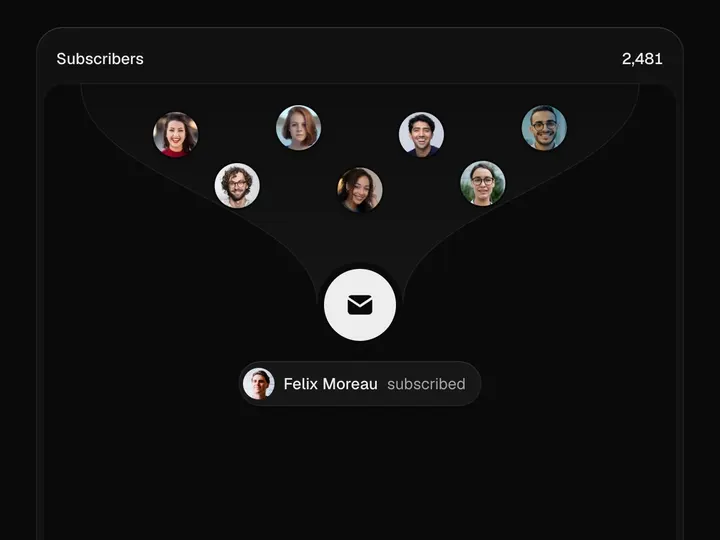
- Running counts in the top corners: visitors as items drift in, subscribers as people and chips pass the line.
- after
- Type string
- "Subscriber"
- Label on the chips after the line.
- before
- Type string[]
- ["Visitor","New user","Lead"]
- Labels on the chips before the line, in turn.
- people
- Type { name: string; avatar: string }[]
- 8 people
- Who the silhouettes turn into, in turn. Avatars are image URLs.
- visitors
- Type number
- 1284
- Visitor count to start from.
- subscribers
- Type number
- 312
- Subscriber count to start from.
- countLabels
- Type [string, string]
- ["Visitors", "Subscribers"]
- Labels for the two counts.
- label
- Type string
- "Incoming traffic, filtered into subscribers"
- Names the block for screen readers.
- className
- Type string
- –
- Classes for the card.