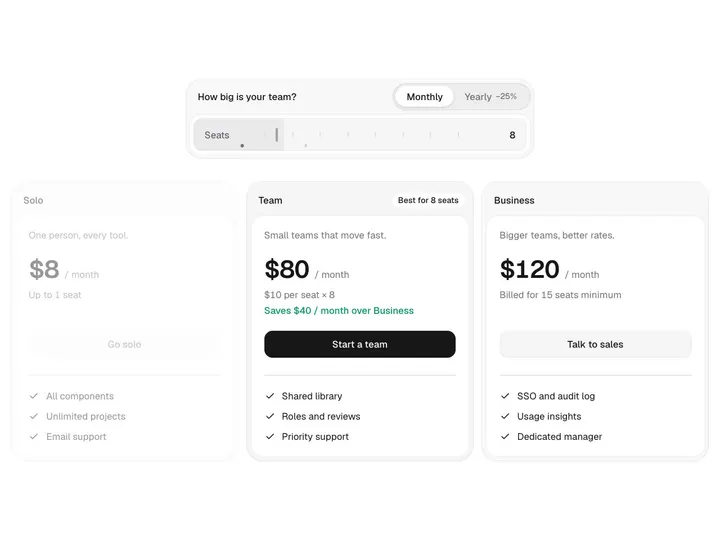
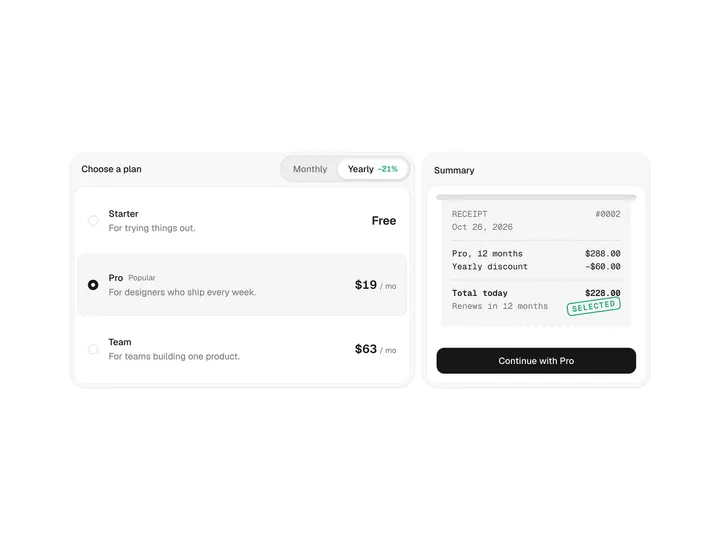
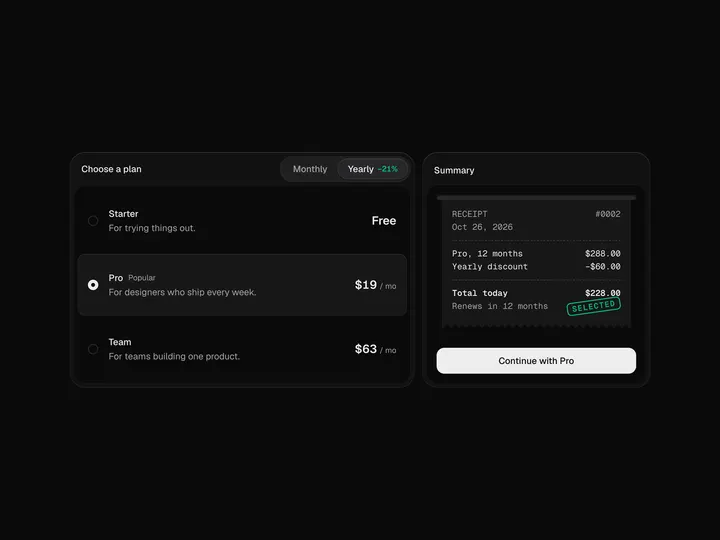
Usage Pricing
ProCustomize
Two
Installation
ProUsage Pricing is a Pro component
Sign in to see the source, or install it with a license key. The live preview and props above are free to explore.
Install with a key
- Add the Pro registry to
components.json:components.json { "registries": { "@uibrik-pro": { "url": "https://uibrik.com/r/pro/{name}.json", "headers": { "Authorization": "Bearer ${UIBRIK_LICENSE}" } } } } - Put your key in
.env.localand add that file to.gitignore:.env.local UIBRIK_LICENSE=your-license-key - Install it:
Terminal npx shadcn@latest add @uibrik-pro/usage-pricing
Loading your installation…
Usage
import { UsagePricing } from "@/components/uibrik/usage-pricing/usage-pricing";const meters = [ { id: "requests", name: "API requests", unit: "requests", per: 1000, bands: [ { upTo: 10_000, rate: 0 }, { upTo: 1_000_000, rate: 0.4 }, { upTo: 20_000_000, rate: 0.25 }, ], }, { id: "storage", name: "Storage", unit: "GB", bands: [ { upTo: 5, rate: 0 }, { upTo: 500, rate: 0.15 }, { upTo: 10_000, rate: 0.08 }, ], }, // …1 more];const defaultValue = { requests: 2_500_000, storage: 120, minutes: 3_000 };<UsagePricing count="2" showRates showEffectiveRate cta="Start building" currency="USD" locale="en-US" meters={meters} defaultValue={defaultValue} onValueChange={(usage, total) => {}} onSelect={(usage, total) => {}} // value={{}}/>Props
UsagePricing- count
- Type "1" | "2" | "3"
- "2"
- How many meters to show, from the first.
- showRates
- Type boolean
- true
- Label each band with its rate and range.
- showEffectiveRate
- Type boolean
- true
- Show the average price per unit under each meter, so volume discounts are visible.
- cta
- Type string
- "Start building"
- Label of the button under the bill.
- currency
- Type string
- "USD"
- ISO currency code for the prices.
- locale
- Type string
- "en-US"
- Locale for currency symbols, grouping, decimals and compact numbers.
- meters
- Type Meter[]
- –
- Meters with a name, unit, optional `per` (units one rate buys) and graduated bands, lowest first.
- value
- Type Record<string, number>
- –
- Usage per meter id, controlled.
- defaultValue
- Type Record<string, number>
- –
- Usage per meter id on mount.
- onValueChange
- Type (usage: Usage, total: number) => void
- –
- Called as a slider moves, with the new usage and the monthly total.
- onSelect
- Type (usage: Usage, total: number) => void
- –
- Called when the button is pressed.
- className
- Type string
- –
- Classes for the section.