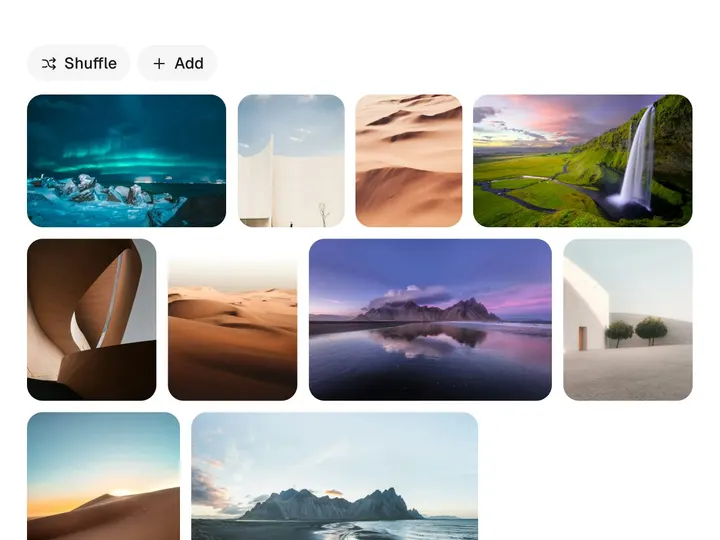
Origami Grid
ProCustomize
Columns4
Gap8px
Radius14px
Duration0.34s
Stagger0.09s
Installation
ProOrigami Grid is a Pro component
Sign in to see the source, or install it with a license key. The live preview and props above are free to explore.
Install with a key
- Add the Pro registry to
components.json:components.json { "registries": { "@uibrik-pro": { "url": "https://uibrik.com/r/pro/{name}.json", "headers": { "Authorization": "Bearer ${UIBRIK_LICENSE}" } } } } - Put your key in
.env.localand add that file to.gitignore:.env.local UIBRIK_LICENSE=your-license-key - Install it:
Terminal npx shadcn@latest add @uibrik-pro/origami-grid
Loading your installation…
Usage
import { OrigamiGrid } from "@/components/uibrik/origami-grid/origami-grid";<OrigamiGrid columns={4} gap={8} radius={14} duration={0.34} stagger={0.09} shading defaultOpen={null} onOpenChange={(id) => {}} // items={[{ id: "…", src: "…", alt: "…" }]} // open="…"/>Props
OrigamiGrid- columns
- Type number
- 4
- Columns on a wide stage. Narrow stages drop to fewer, two at least.
- gap
- Type number
- 8
- Space between tiles.
- radius
- Type number
- 14
- Corner radius of a tile and of the open sheet.
- duration
- Type number
- 0.34
- How long one flap takes to swing open or shut.
- stagger
- Type number
- 0.09
- Time between one flap and the next.
- shading
- Type boolean
- true
- Darken flaps while they stand on edge.
- items
- Type { id: string; src: string; thumb?: string; alt: string; title?: string; meta?: string }[]
- SAMPLE_ITEMS
- Tiles in order. src is the full photo the sheet shows, thumb the small square on the tile.
- open
- Type string | null
- –
- Open item by id, to control it. null for none.
- defaultOpen
- Type string | null
- null
- Item open to begin with when uncontrolled.
- onOpenChange
- Type (id: string | null) => void
- –
- Called when a tile is opened or the sheet is closed.
- className
- Type string
- –
- Classes for the wrapper.