Progress Dots
NewCustomize
Dots
Horizontal
Duration4.0s
On hover
Dot size6px
Active width24px
Gap6px
Installation
npx shadcn@latest add https://uibrik.com/r/progress-dots.jsonInstall the packages
npm install @tabler/icons-react motion react-use-measureAdd the cn helper
Imports
cnfrom@/lib/utils, whichshadcn initcreates. Add it by hand without shadcn.Copy the source into your project
components/uibrik/progress-dots/progress-dots.tsx"use client"; import { IconCheck, IconPlayerPauseFilled, IconPlayerPlayFilled, IconRotateClockwise } from "@tabler/icons-react"; import { AnimatePresence, animate, motion, useMotionValue, useReducedMotion, type MotionValue } from "motion/react"; import { useEffect, useLayoutEffect, useRef, useState, type KeyboardEvent } from "react"; import useMeasure from "react-use-measure"; import { cn } from "@/lib/utils"; const SPRING = { type: "spring", duration: 0.45, bounce: 0 } as const; const PILL_HEIGHT = 26; const LABEL_PAD = 10; // Room a done step's check takes in front of its label. const CHECK = 16; const CONTROL = 26; // The pause button's size beside resting dots. const CONTROL_REST = 18; // Vertical padding around a segment's bar, which is also its touch target. const SEGMENT_PAD = 12; export type ProgressStep = string | { label: string; /** Seconds this step plays for, instead of `duration`. */ duration?: number }; export type ProgressDotsProps = { /** One entry per step: a label, or a label with its own duration. */ steps: ProgressStep[];
Adds the files to
components/uibrik/progress-dots and installs @tabler/icons-react, motion and react-use-measure. With the @uibrik namespace set up: npx shadcn@latest add @uibrik/progress-dots.Usage
import { ProgressDots } from "@/components/uibrik/progress-dots/progress-dots";<ProgressDots variant="dots" orientation="horizontal" steps={["Welcome", "Connect", "Invite team", "Launch"]} duration={4} autoplay loop expand="hover" showControl pauseOnHover dotSize={6} activeWidth={24} gap={6} defaultPaused={false} defaultIndex={0} label="Steps" onComplete={() => {}} // progress={…} // paused={false} // onPausedChange={(paused) => {}} // index={0} // onIndexChange={(index) => {}}/>Props
ProgressDots- variant
- Type "dots" | "segments"
- "dots"
- Pagination dots, or equal bars across the full width that fill one after another, like stories.
- orientation
- Type "horizontal" | "vertical"
- "horizontal"
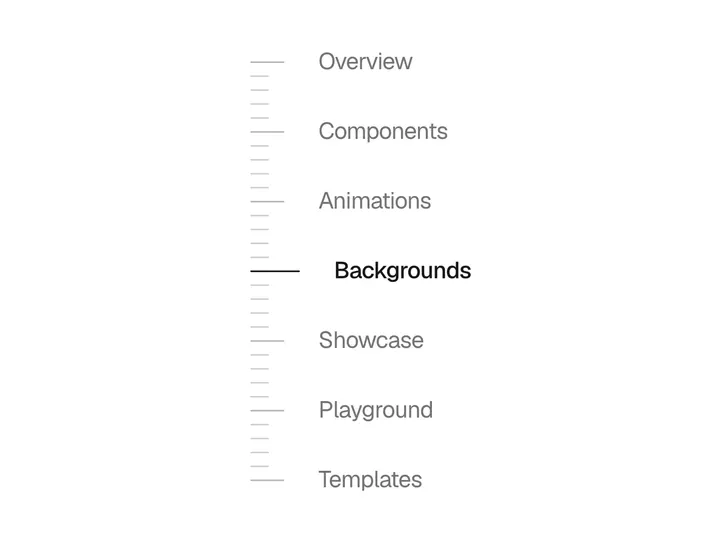
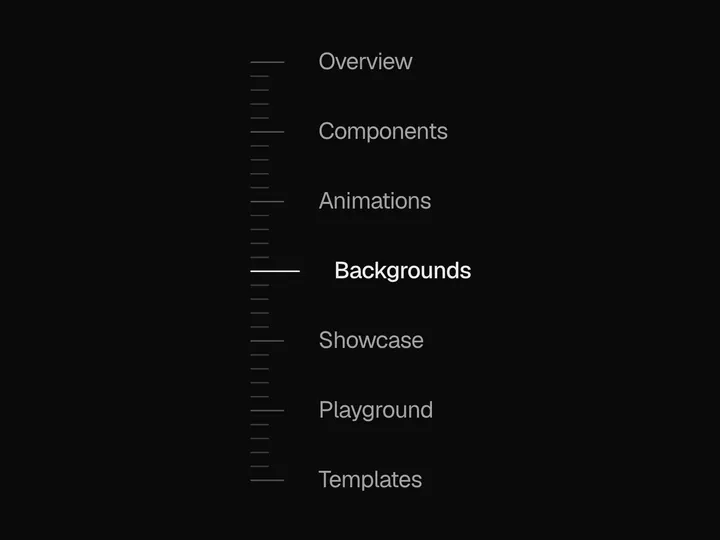
- A row, or a column with labels opening to the right, e.g. a side rail of onboarding steps.
- steps
- Type (string | { label: string; duration?: number })[]
- –
- Steps can carry their own duration in seconds, e.g. a video slide that plays longer.
- duration
- Type number
- 4
- How long each step plays.
- autoplay
- Type boolean
- true
- Fill the active dot and move on by itself.
- loop
- Type boolean
- true
- Start over after the last step.
- expand
- Type "hover" | "always" | "never"
- "hover"
- When the dots open into labelled steps. On touch, a tap opens them.
- showControl
- Type boolean
- true
- Show a play/pause button after the steps, so anyone can stop the motion, touch and screen readers included.
- pauseOnHover
- Type boolean
- true
- Hold the fill while the pointer or focus is on the dots.
- barHeight
- Type number
- 3
- Height of each bar, for segments.
- dotSize
- Type number
- 6
- Diameter of a resting dot.
- activeWidth
- Type number
- 24
- Width of the active dot.
- gap
- Type number
- 6
- Space between dots.
- progress
- Type MotionValue<number>
- –
- Pass your own useMotionValue(0) to read the active step's fill, 0 to 1, and tie content to it, such as a slide's crossfade or zoom.
- paused / onPausedChange
- Type boolean / (paused) => void
- –
- Controlled pause, as set by the play/pause button.
- defaultPaused
- Type boolean
- false
- Start paused when uncontrolled.
- index / onIndexChange
- Type number / (index) => void
- –
- Controlled active step, e.g. to drive a carousel or onboarding flow.
- defaultIndex
- Type number
- 0
- Starting step when uncontrolled.
- onComplete
- Type () => void
- –
- Called when the last step finishes and loop is off.
- label
- Type string
- "Steps"
- Accessible name for the group.
- className
- Type string
- –
- Classes for the wrapper.