Updated
Diffusion Image
ProCustomize
Generation time2.5s
Duration1.2s
Blur28px
Ripple34px
Grain1.00
Card width320px
Installation
ProDiffusion Image is a Pro component
Sign in to see the source, or install it with a license key. The live preview and props above are free to explore.
Install with a key
- Add the Pro registry to
components.json:components.json { "registries": { "@uibrik-pro": { "url": "https://uibrik.com/r/pro/{name}.json", "headers": { "Authorization": "Bearer ${UIBRIK_LICENSE}" } } } } - Put your key in
.env.localand add that file to.gitignore:.env.local UIBRIK_LICENSE=your-license-key - Install it:
Terminal npx shadcn@latest add @uibrik-pro/diffusion-image
Loading your installation…
Usage
import { DiffusionImage } from "@/components/uibrik/diffusion-image/diffusion-image";<DiffusionImage alt="…" prompt="Generate an image of a quiet lake at dawn" duration={1.2} blur={28} ripple={34} grain={1} cardWidth={320} progress={0} width={2} height={3} onDone={() => {}} // src="…" // lowSrc="…"/>Where to use Diffusion Image
AI image apps
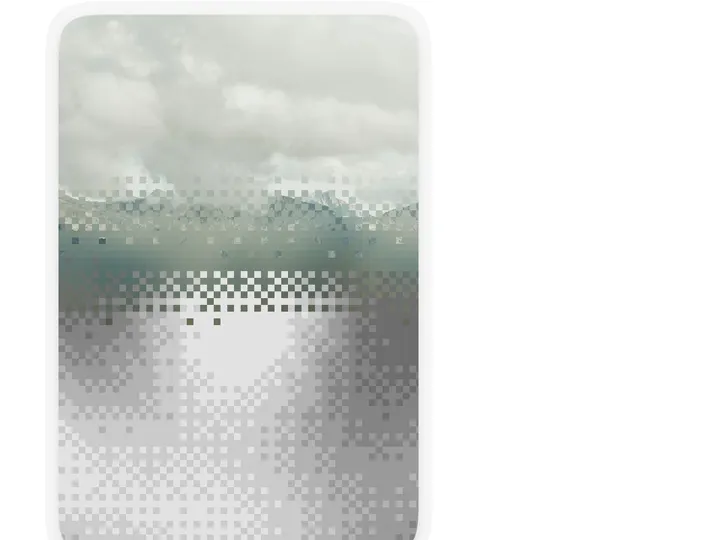
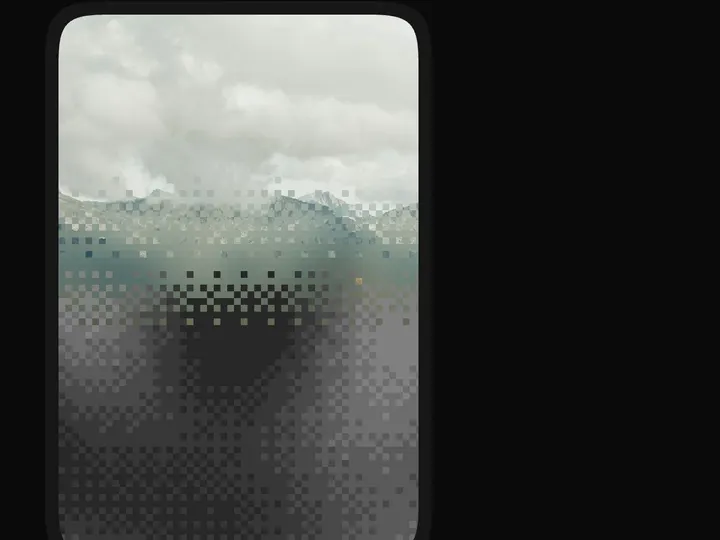
Progress from the model's step events eases the blur down, so the card shows how far generation has got.
Pairs with Prompt Input and Image Generation
Galleries of generations
Only a CSS blur, one SVG filter and a transform move, and the finished card is a plain image, so a feed of many stays light.
Model previews
A tiny preview from the model sits under the blur, so colour and layout are there before the picture is.
Props
DiffusionImage- prompt
- Type string
- "Generate an image of a quiet lake at dawn"
- Request shown above the card. Empty hides it.
- duration
- Type number
- 1.2
- Seconds the final reveal takes once the image is in.
- blur
- Type number
- 28
- Blur at the start.
- ripple
- Type number
- 34
- How far the ripple bends the picture at the start. 0 turns it off.
- grain
- Type number
- 1
- Film grain while generating. 0 turns it off.
- cardWidth
- Type number
- 320
- Width of the picture.
- src
- Type string
- –
- The generated image, once it exists.
- progress
- Type number
- –
- Generation progress 0 to 1 from the model's step events. Leave out and it creeps until src arrives.
- lowSrc
- Type string
- –
- A tiny preview shown blurred while the image is generated.
- altrequired
- Type string
- –
- Describes the image for screen readers.
- width
- Type number
- 2
- Aspect ratio width.
- height
- Type number
- 3
- Aspect ratio height.
- onDone
- Type () => void
- –
- Called once the image has fully resolved.
- className
- Type string
- –
- Classes for the wrapper.